Early access
Store screenshots that look designed.
Drop in raw captures, pick a template, and export every App Store and Google Play size in every language, pixel exact.
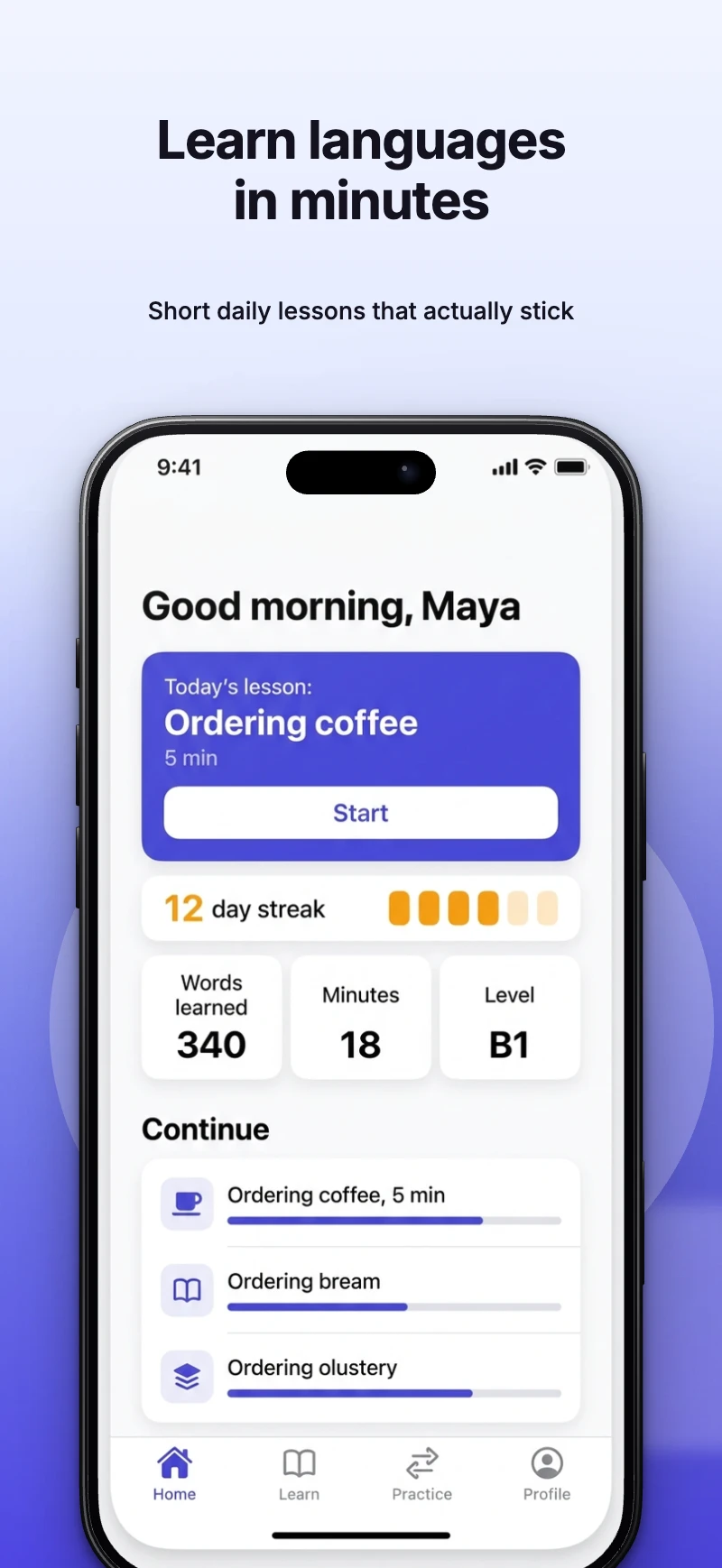
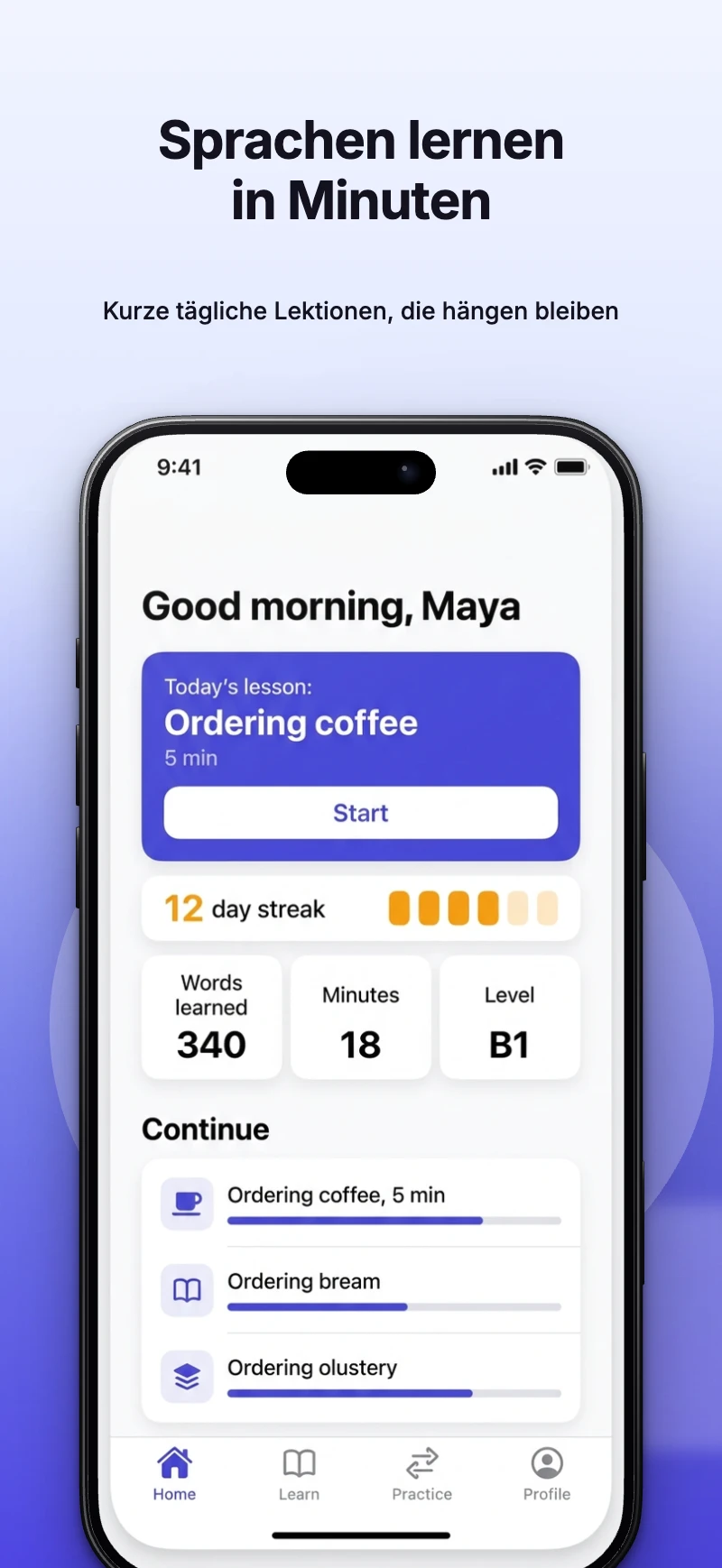
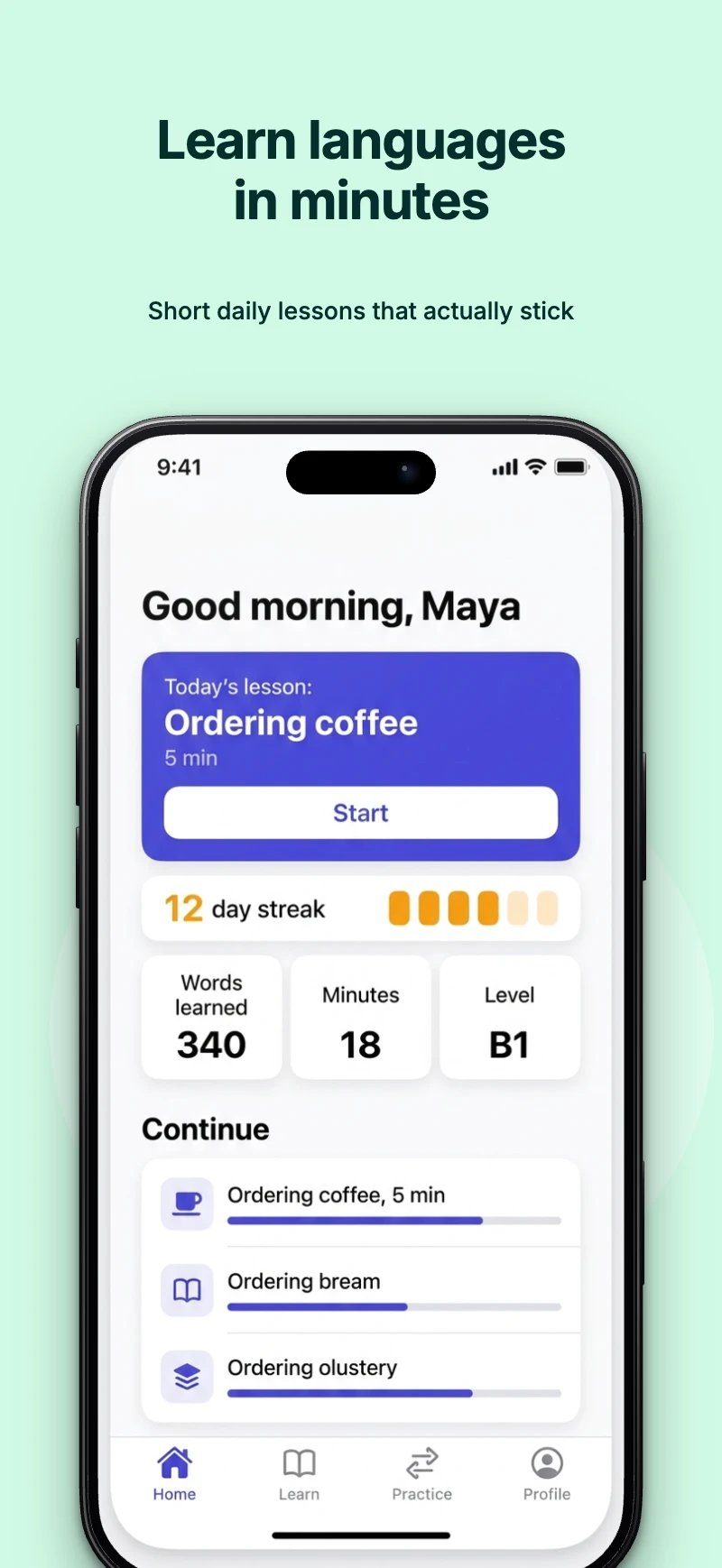
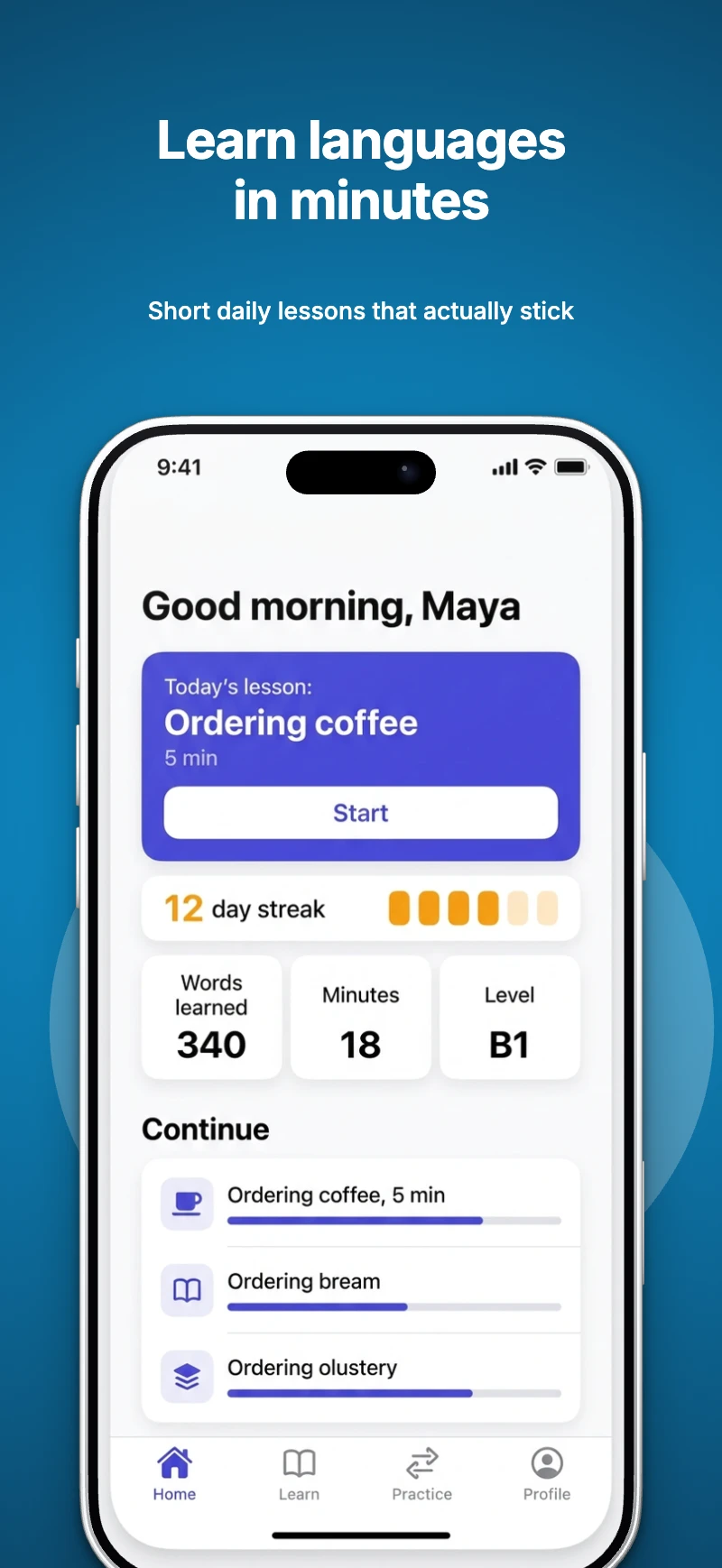
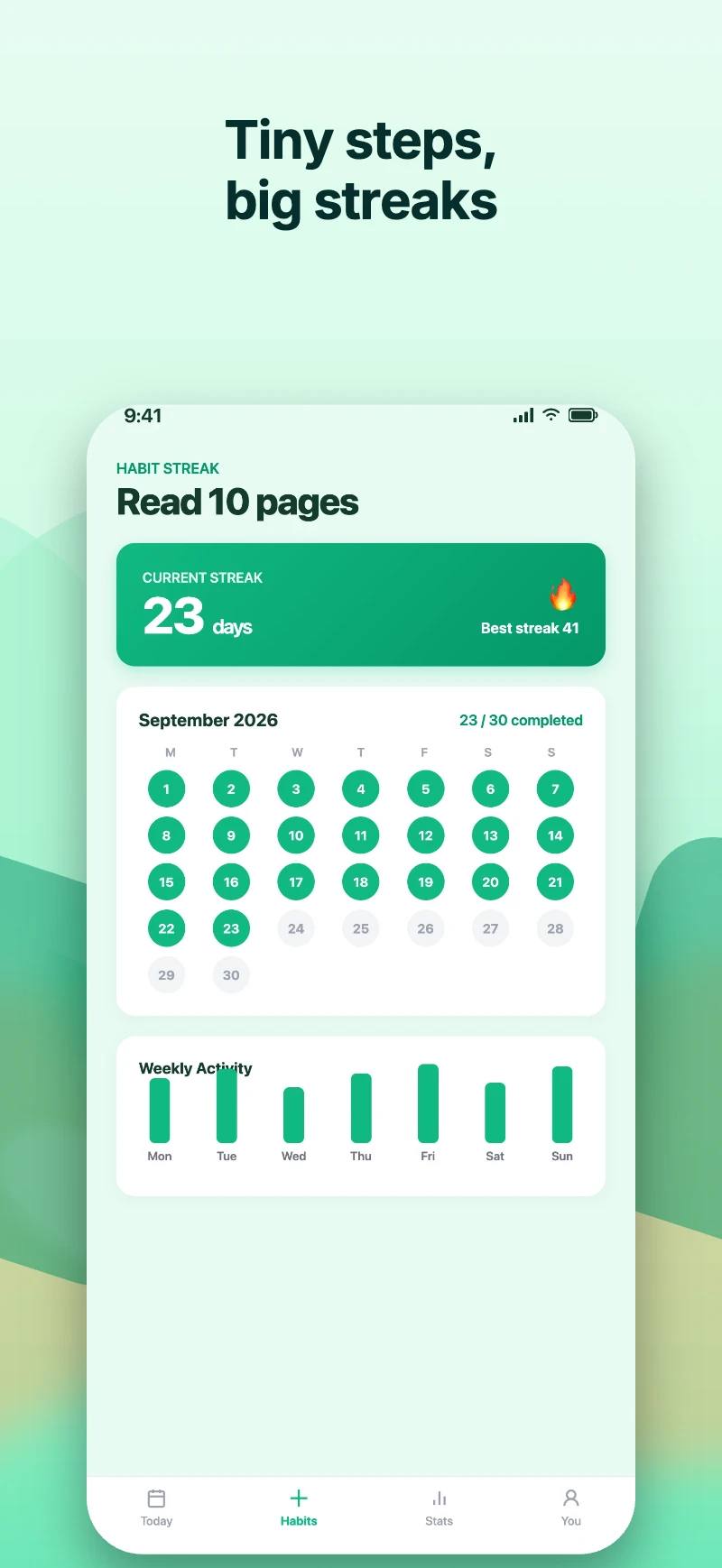
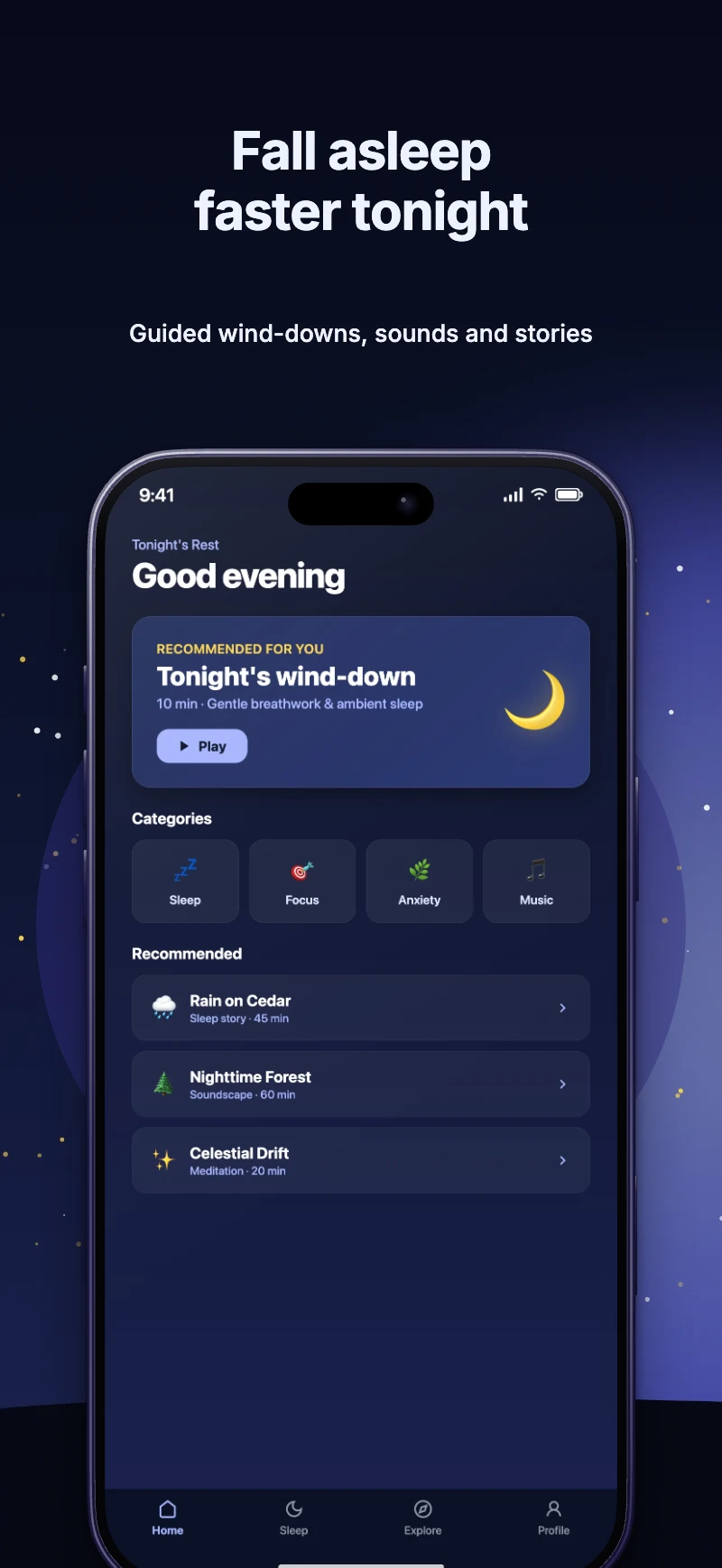
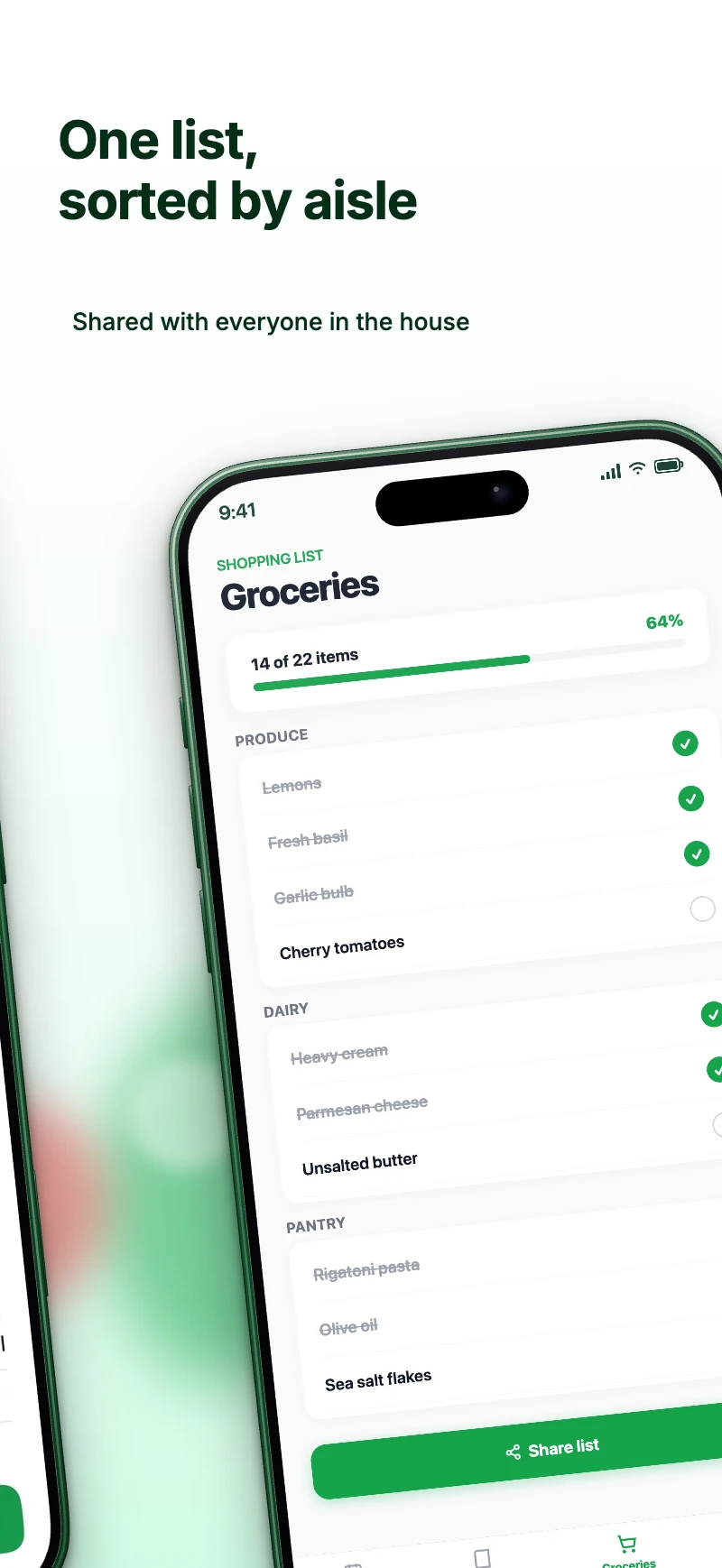
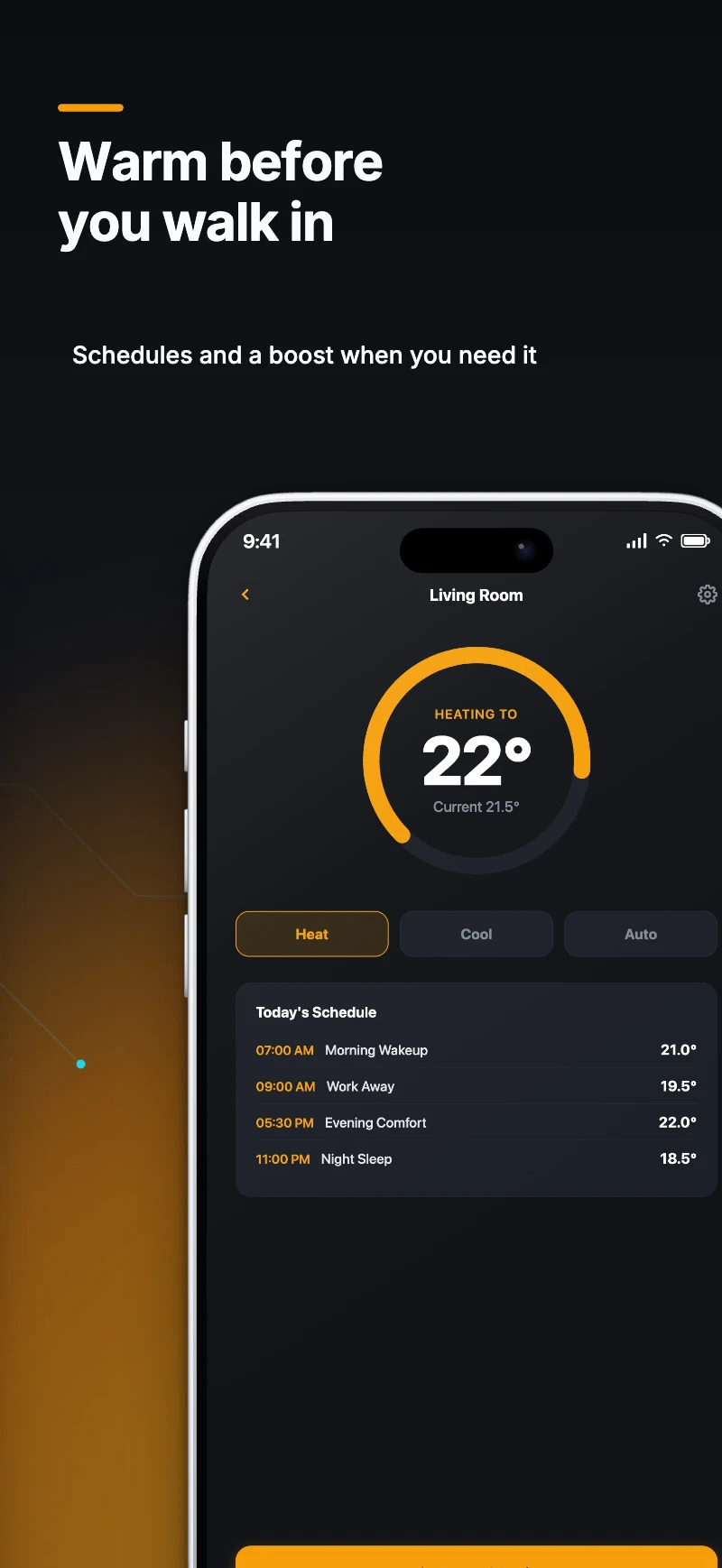
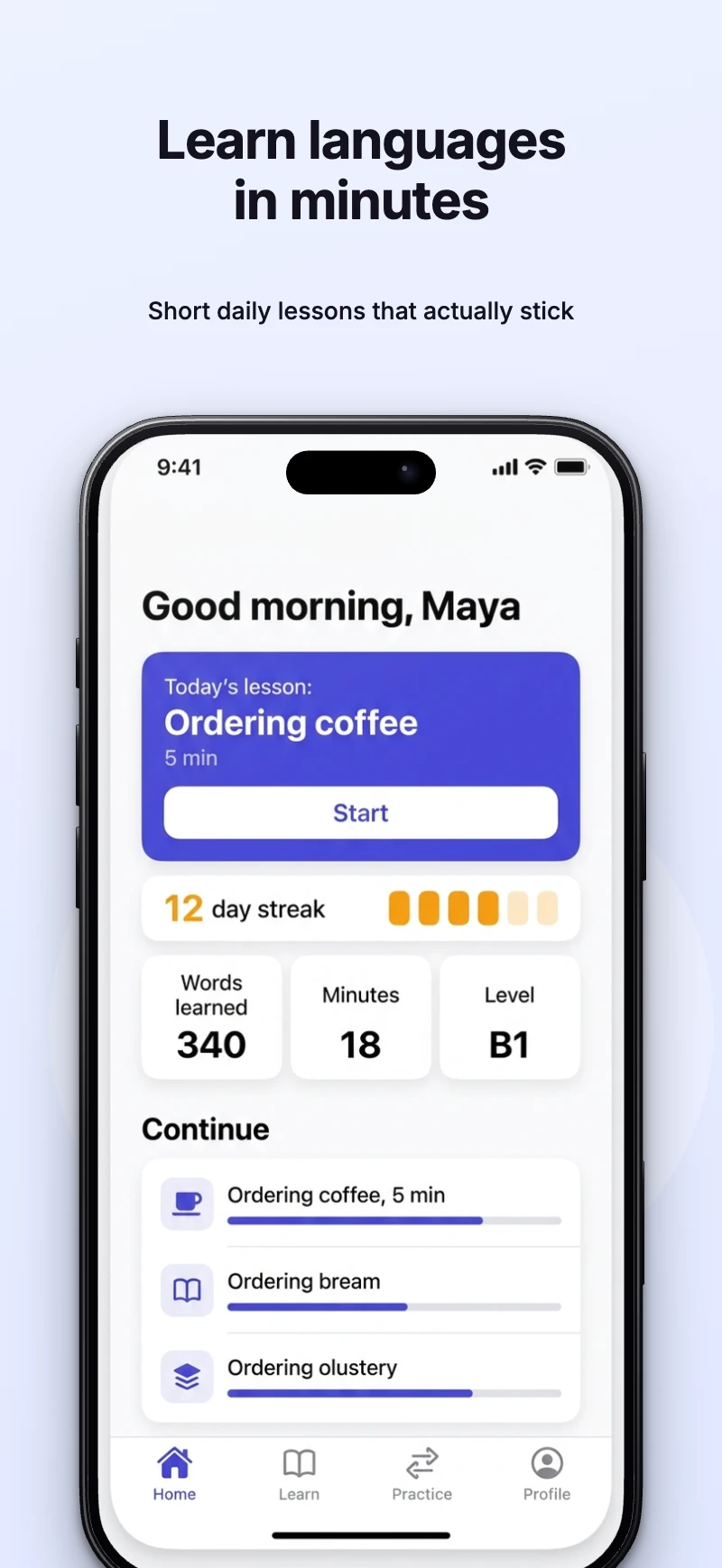
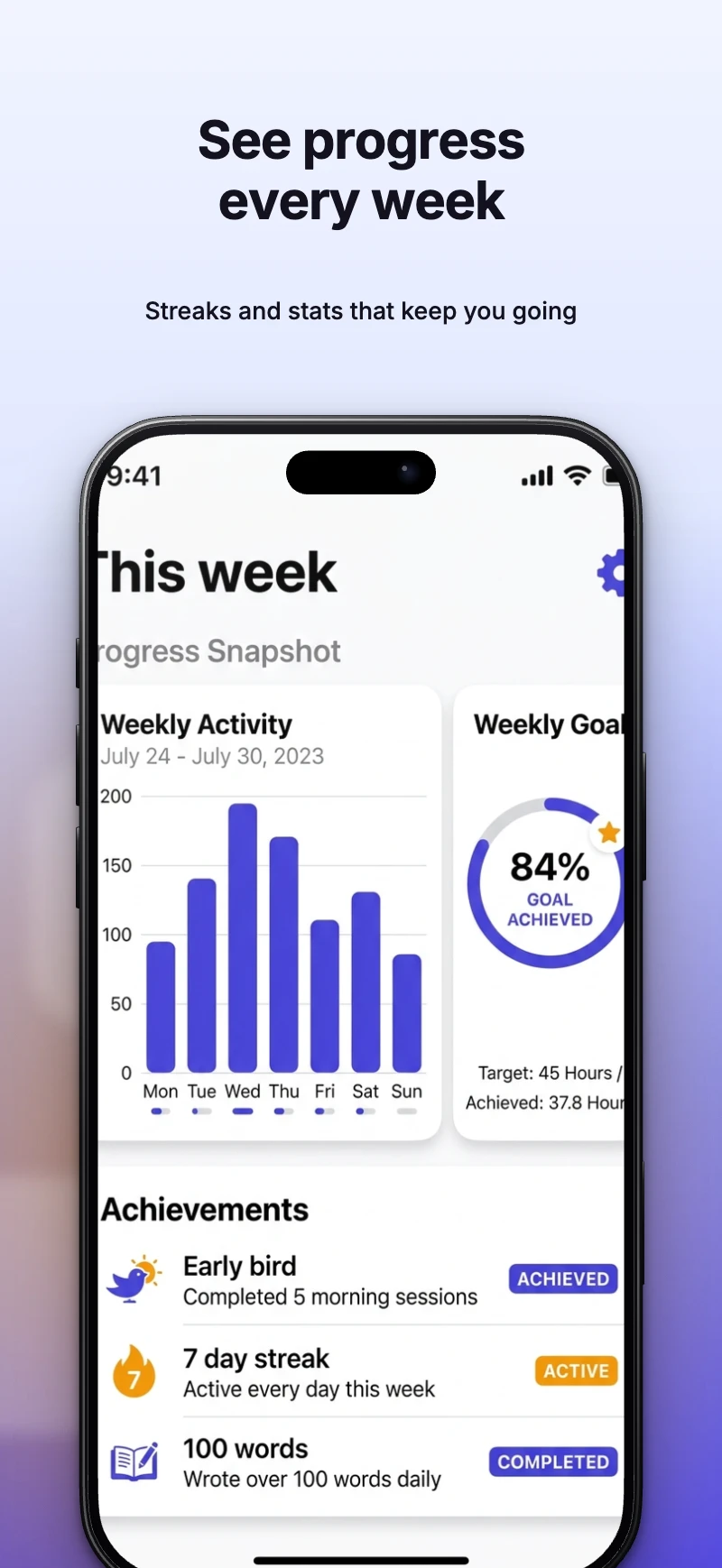
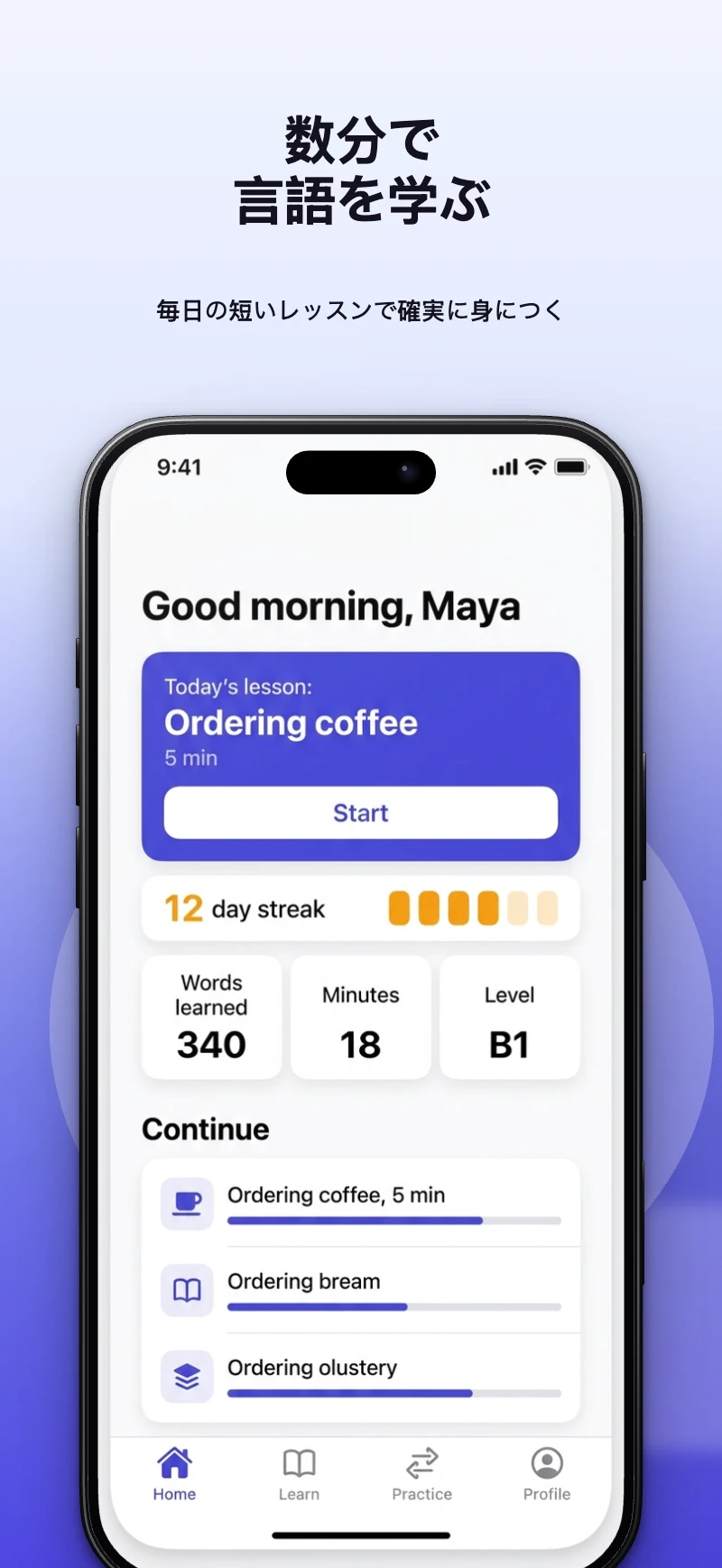
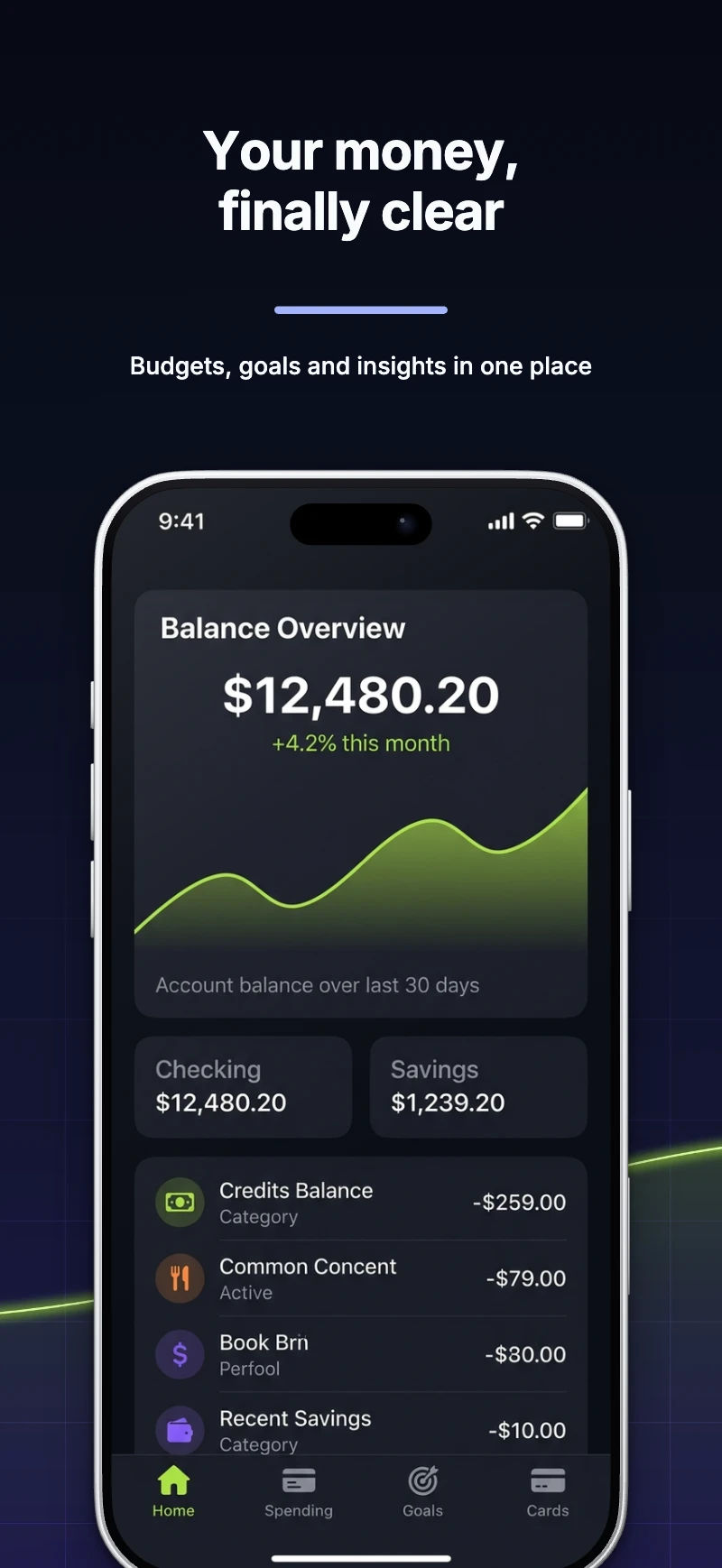
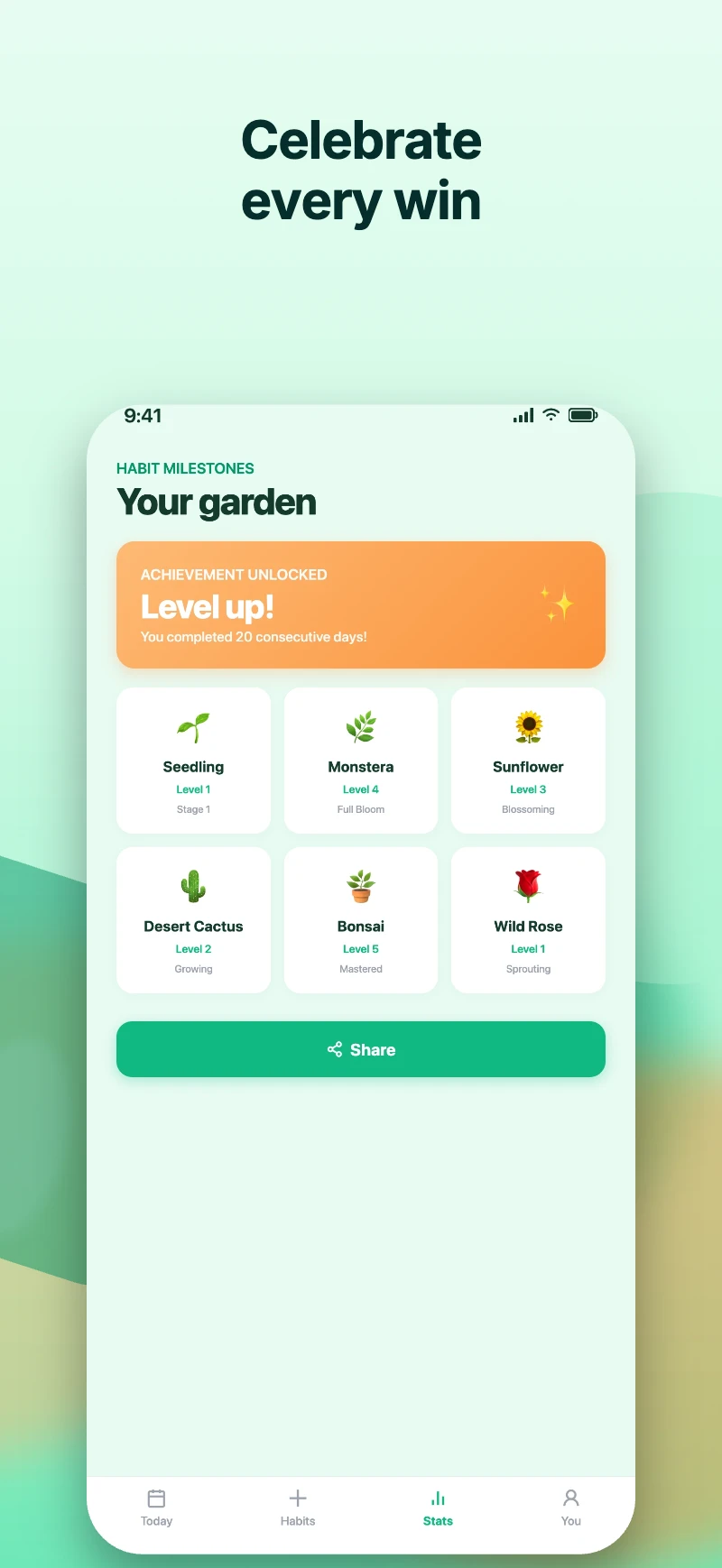
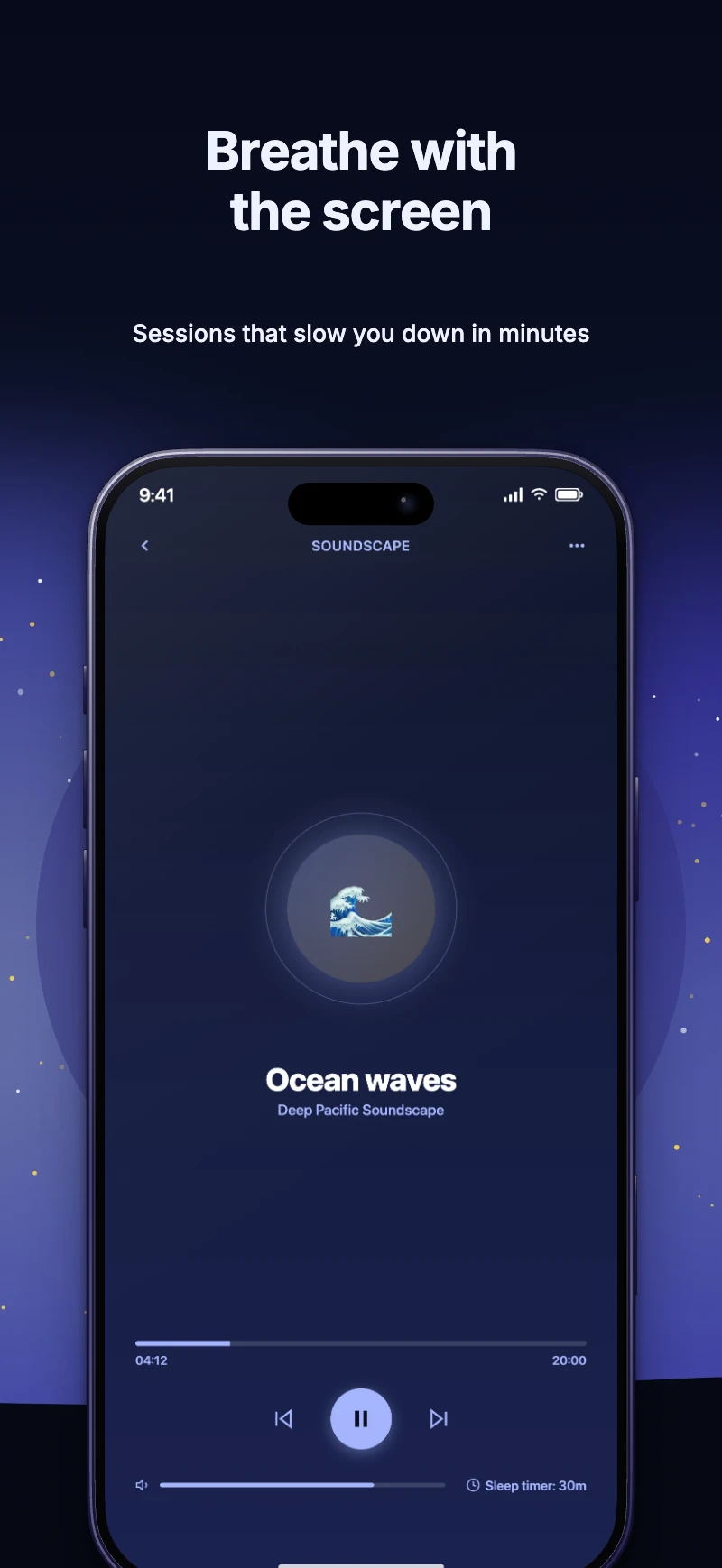
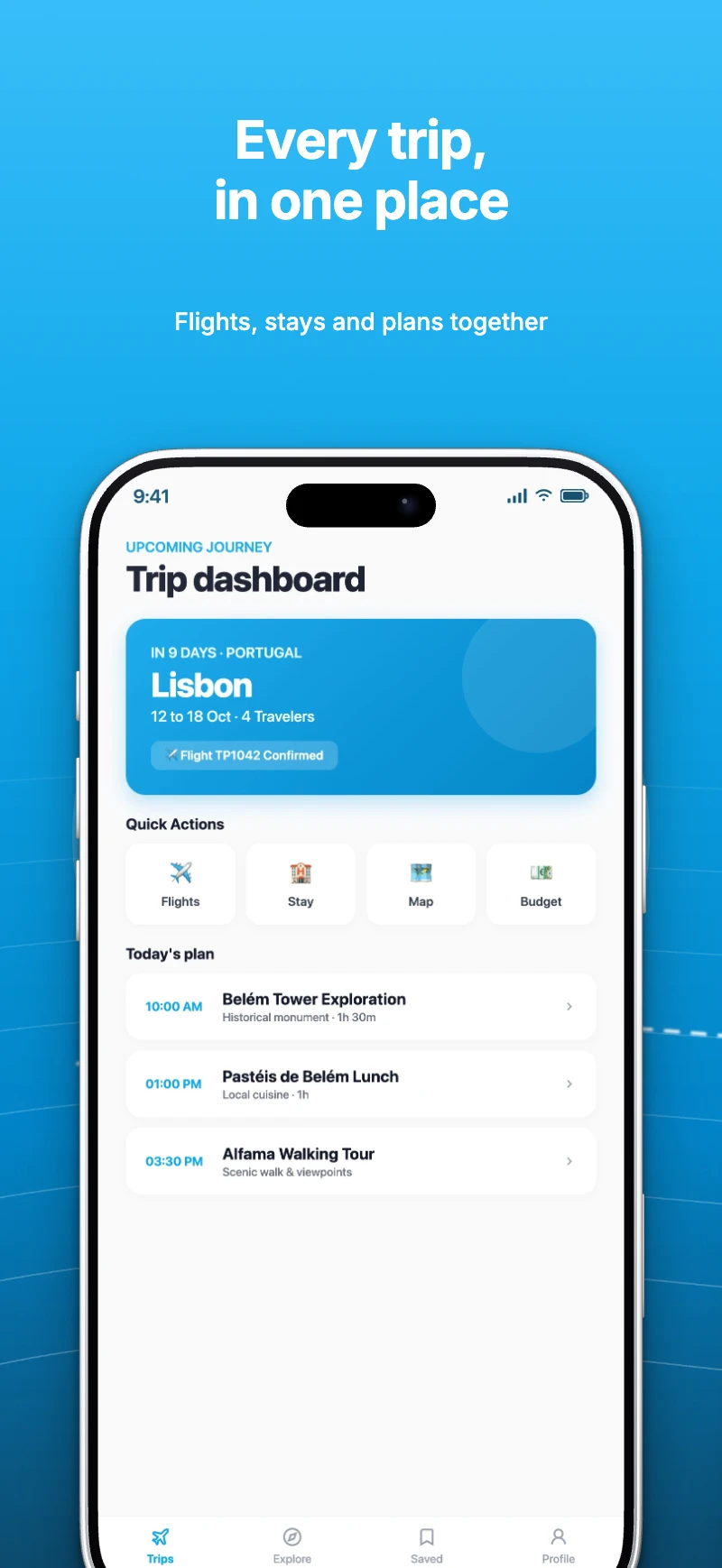
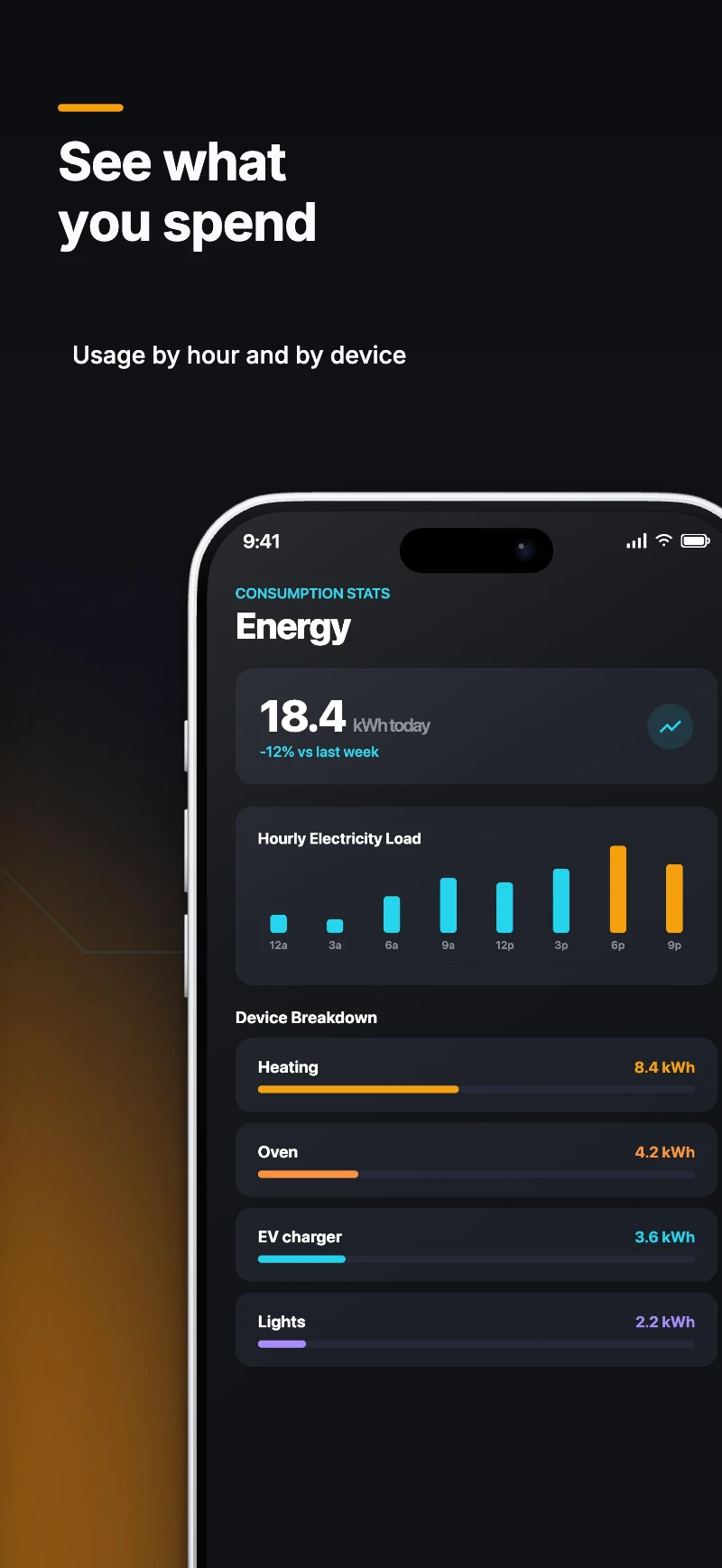
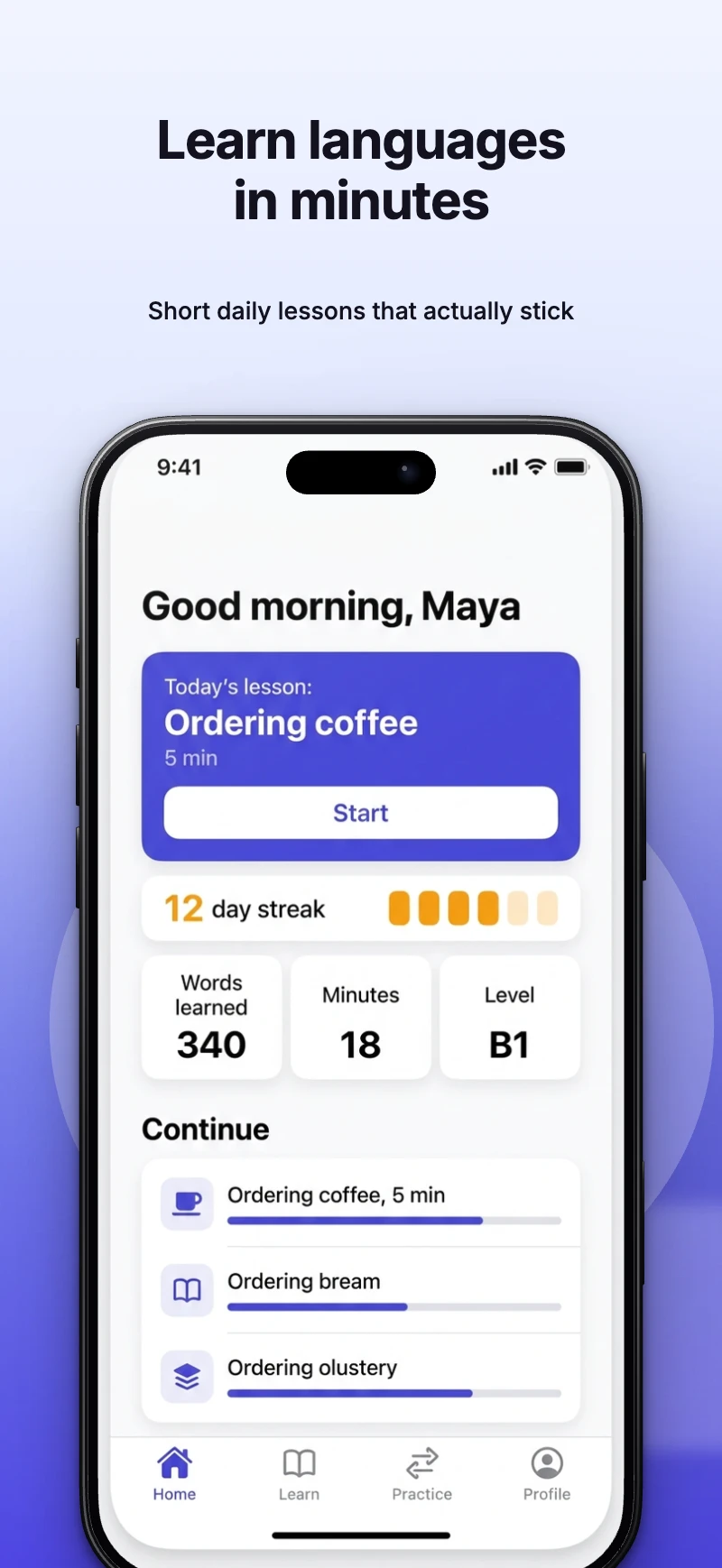
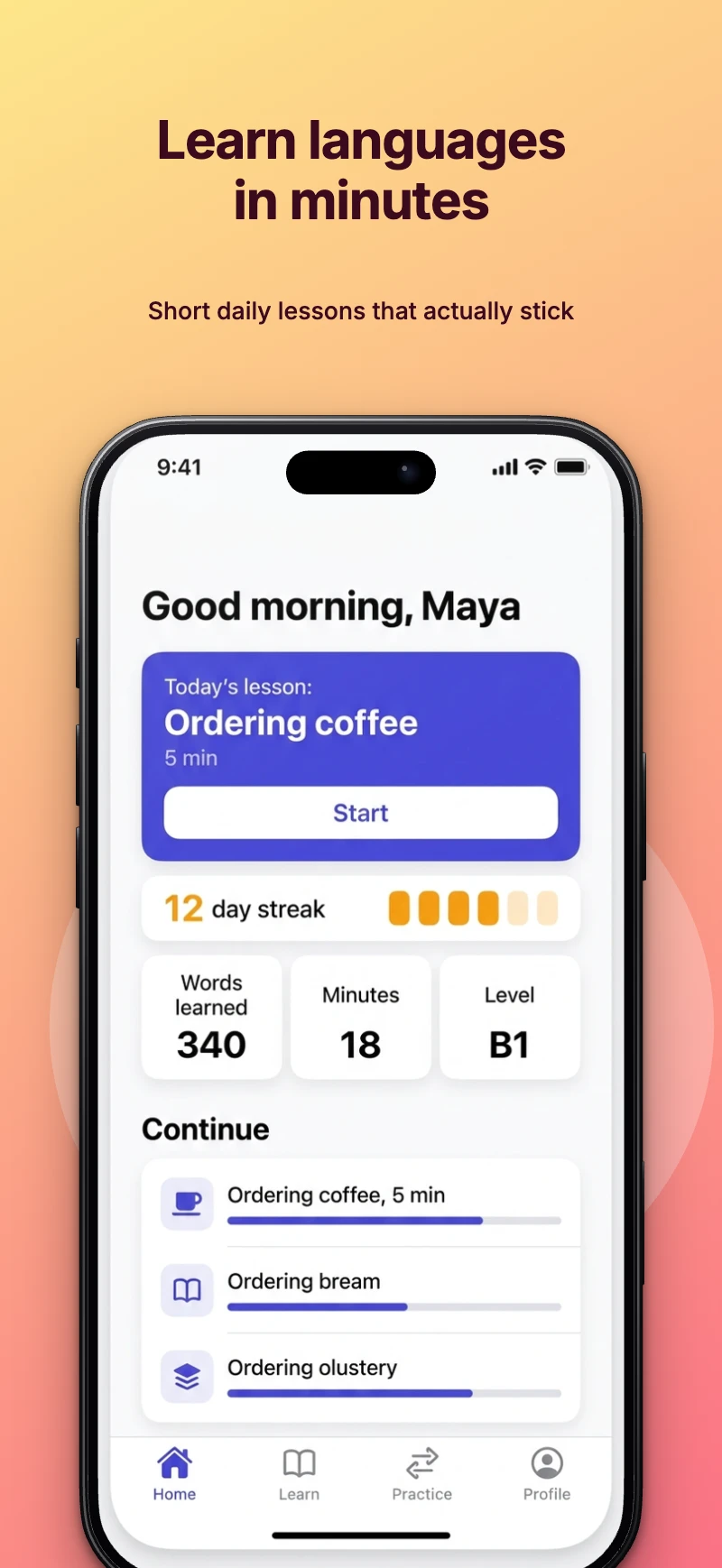
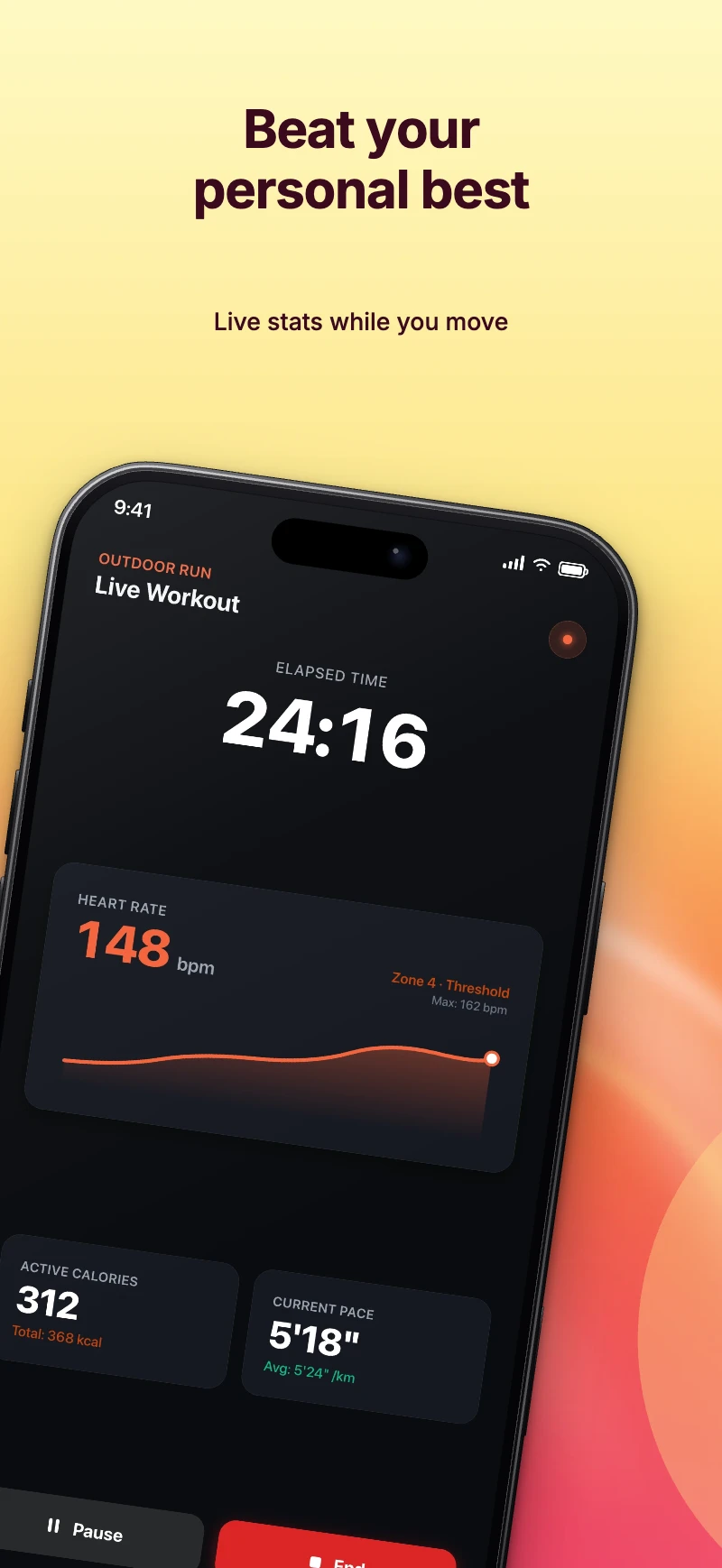
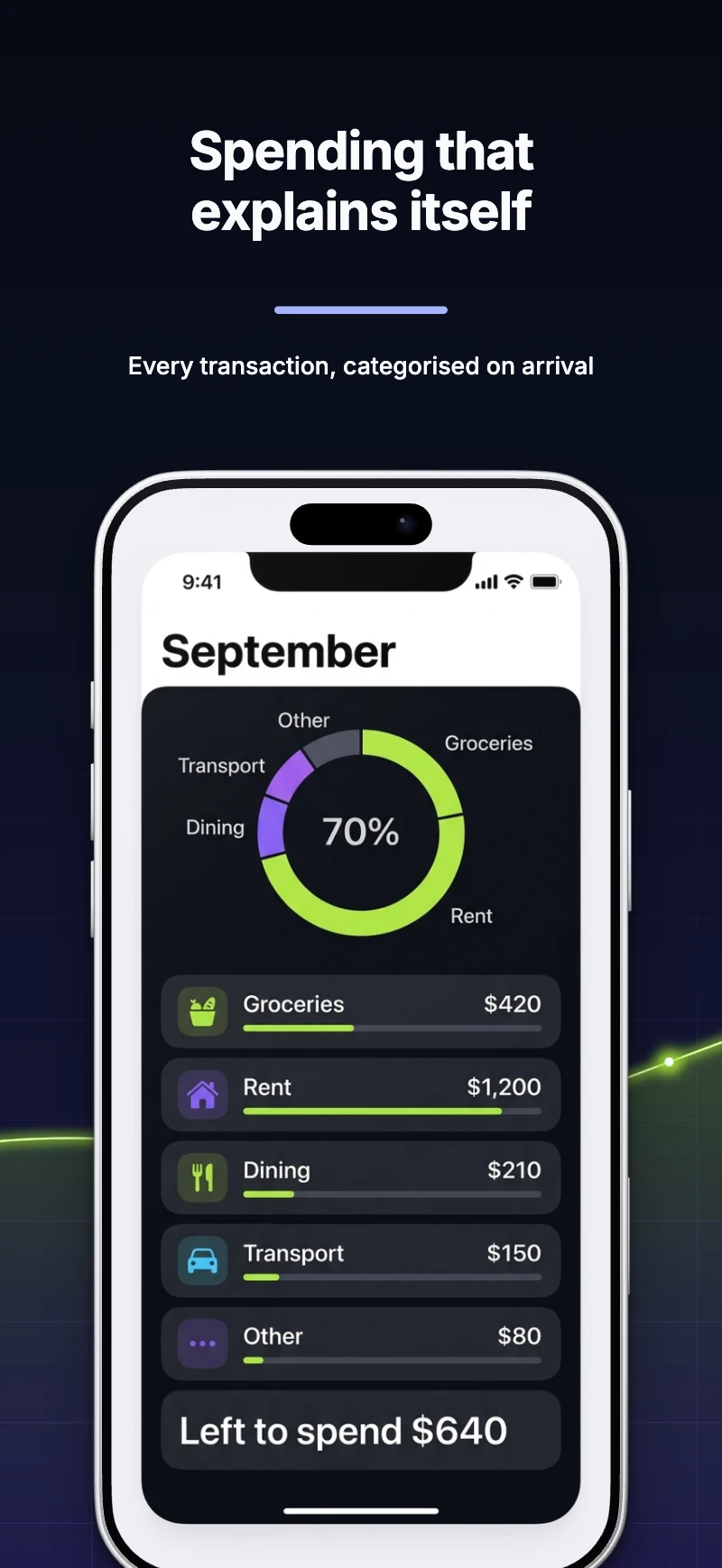
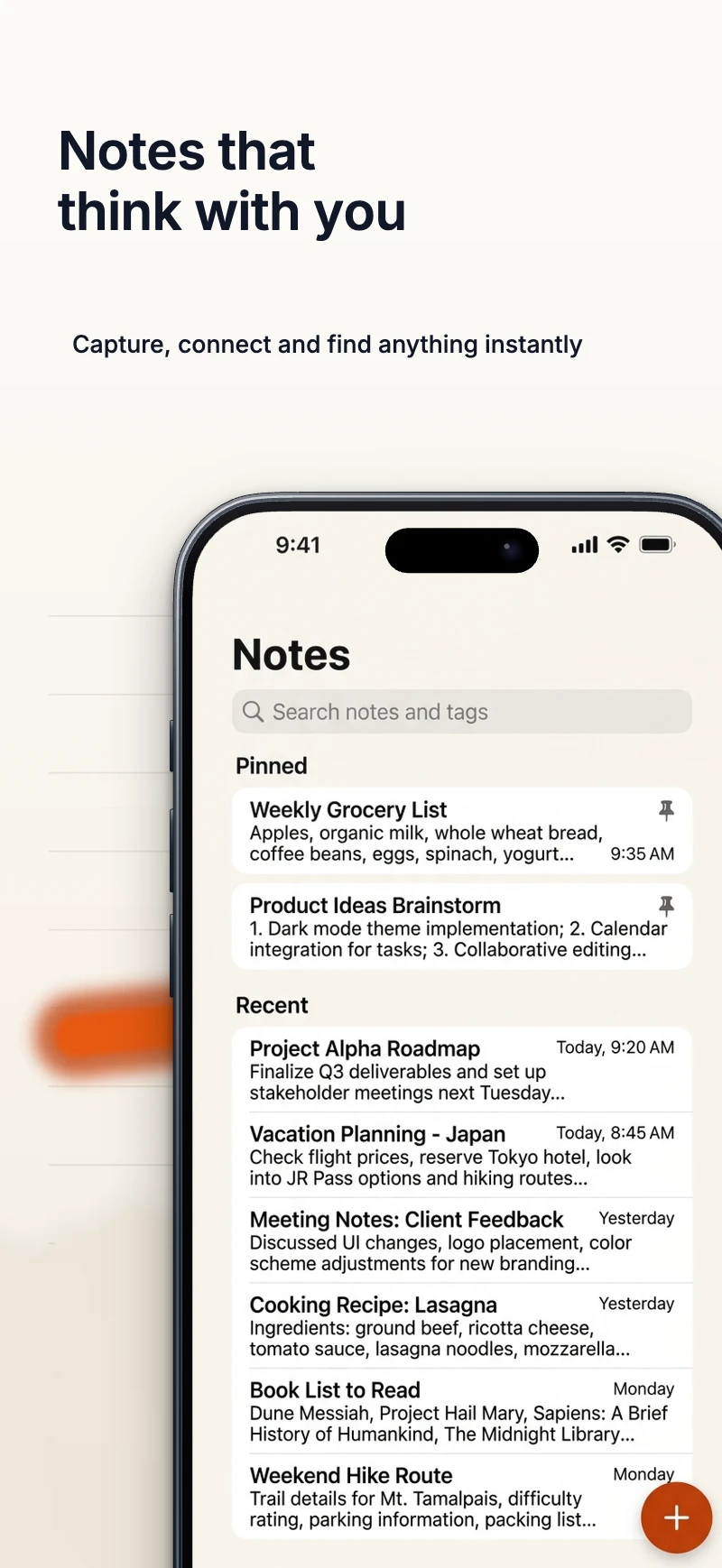
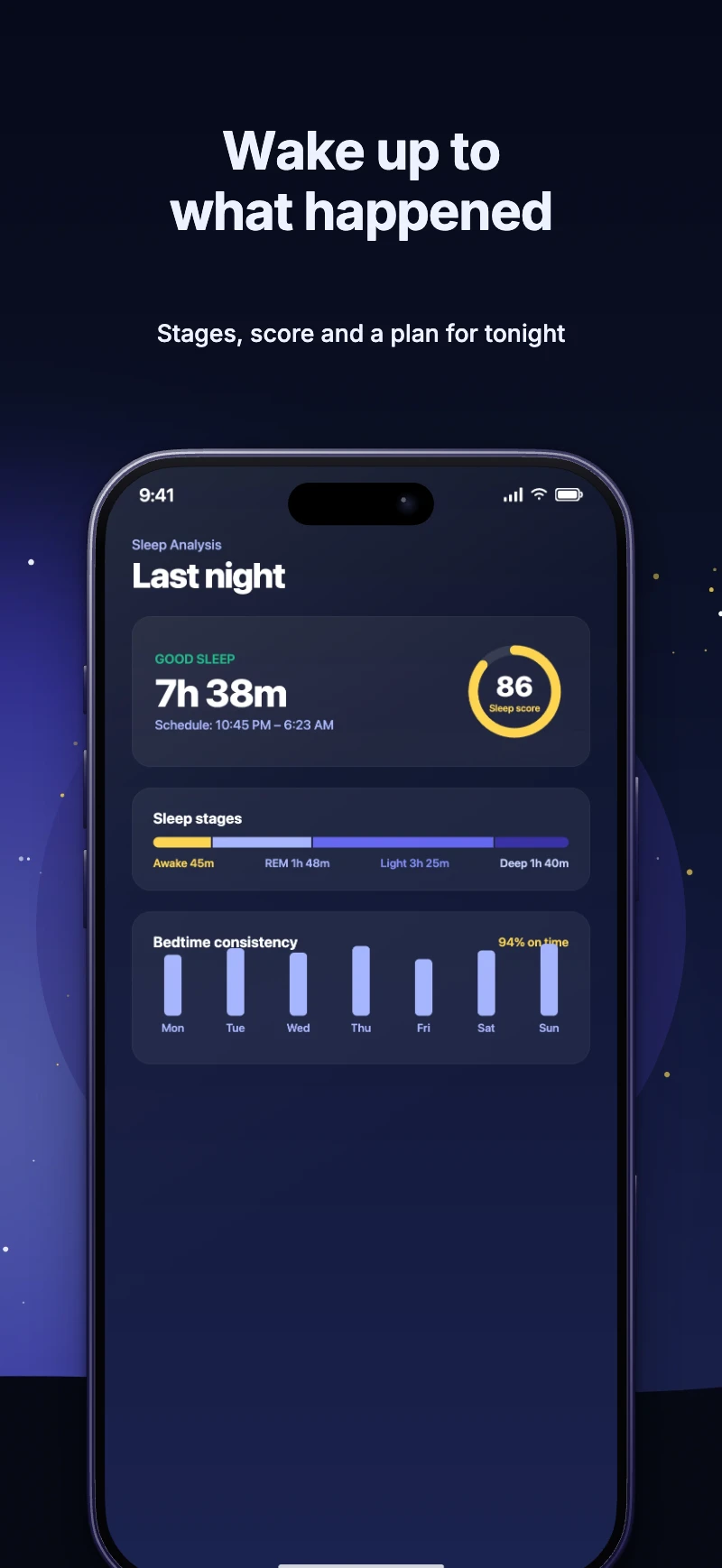
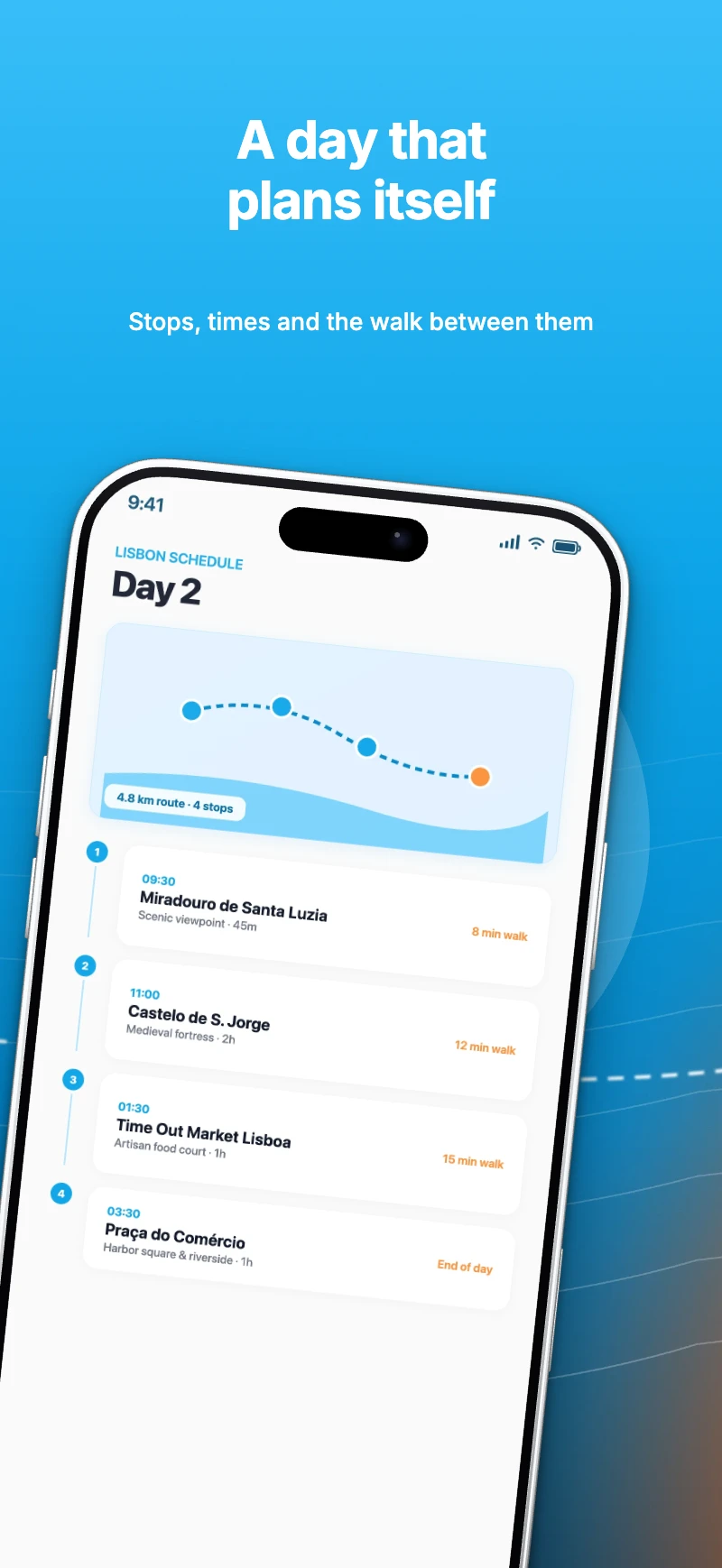
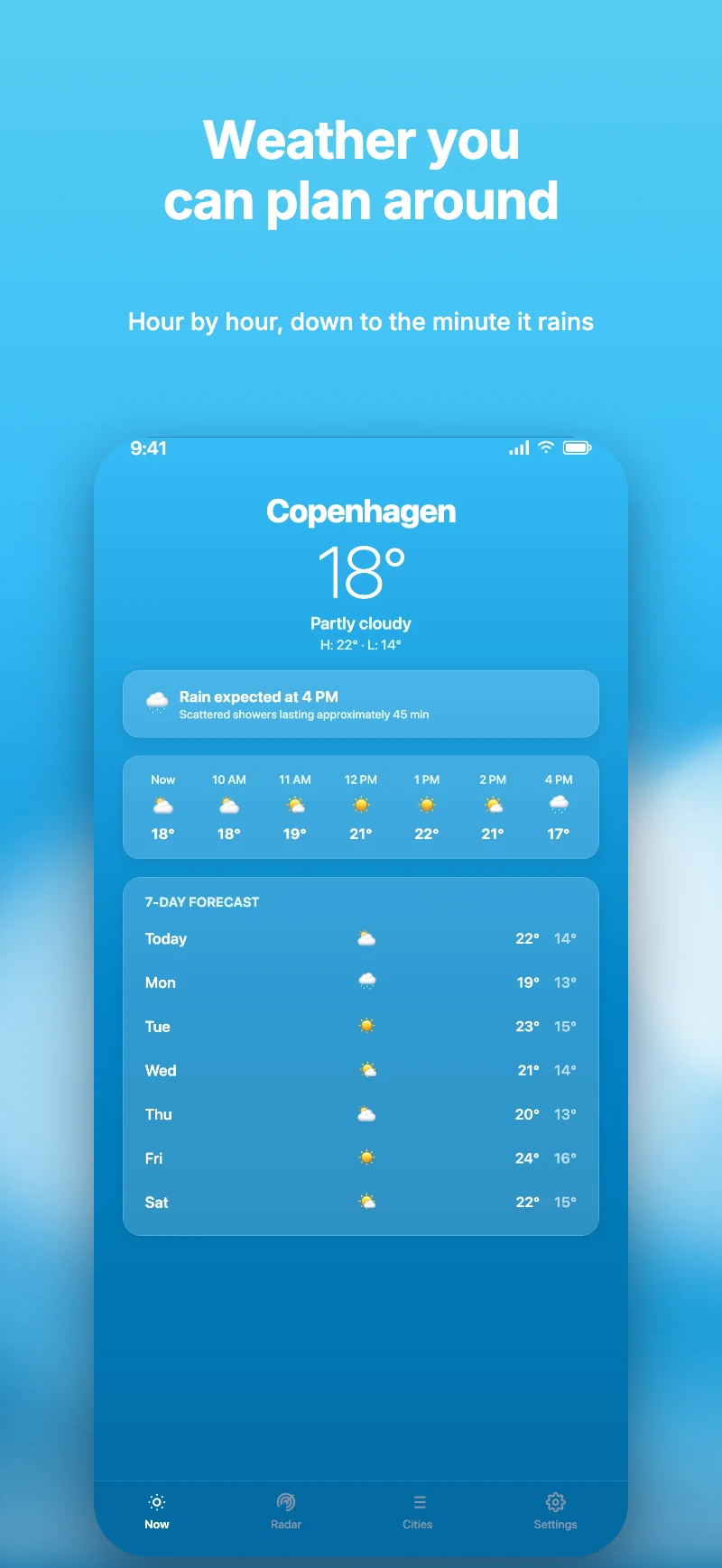
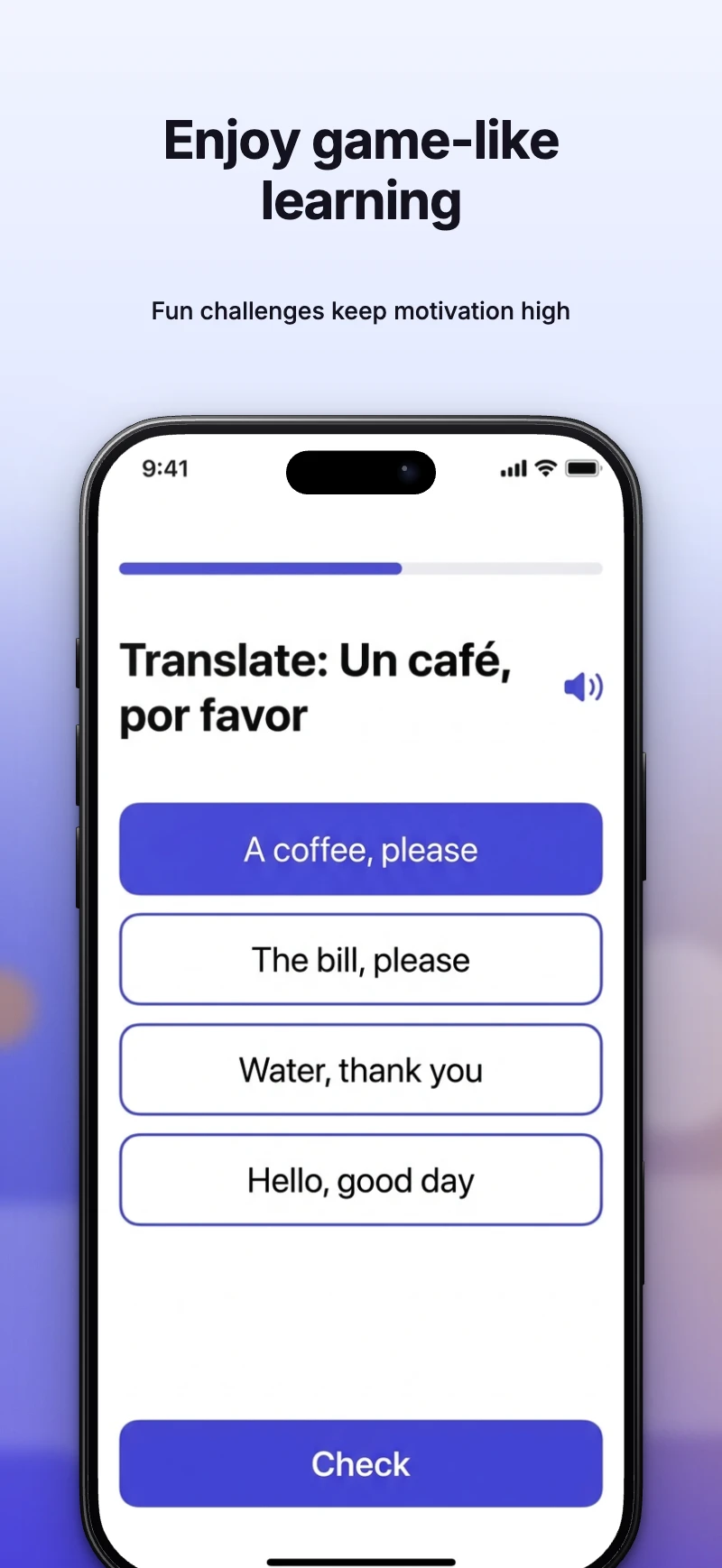
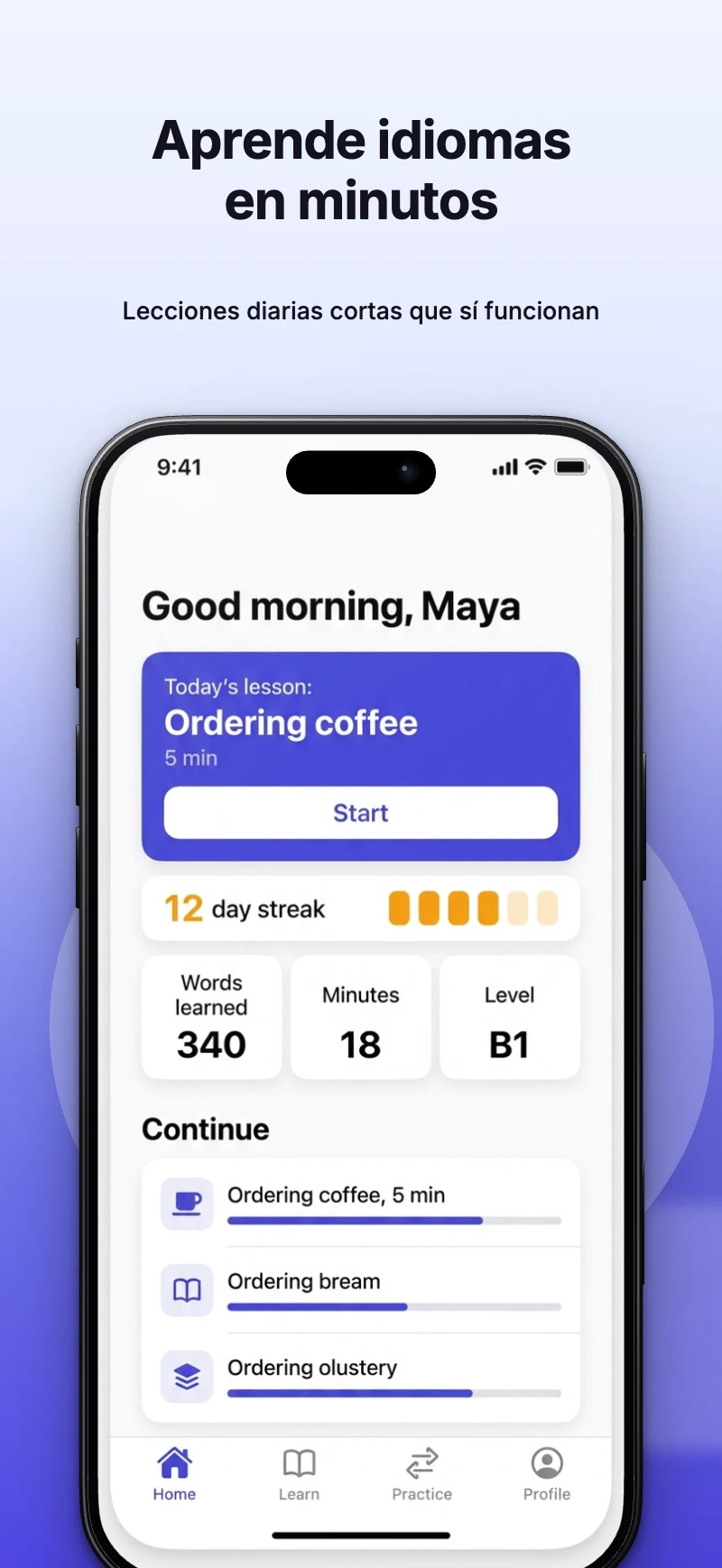
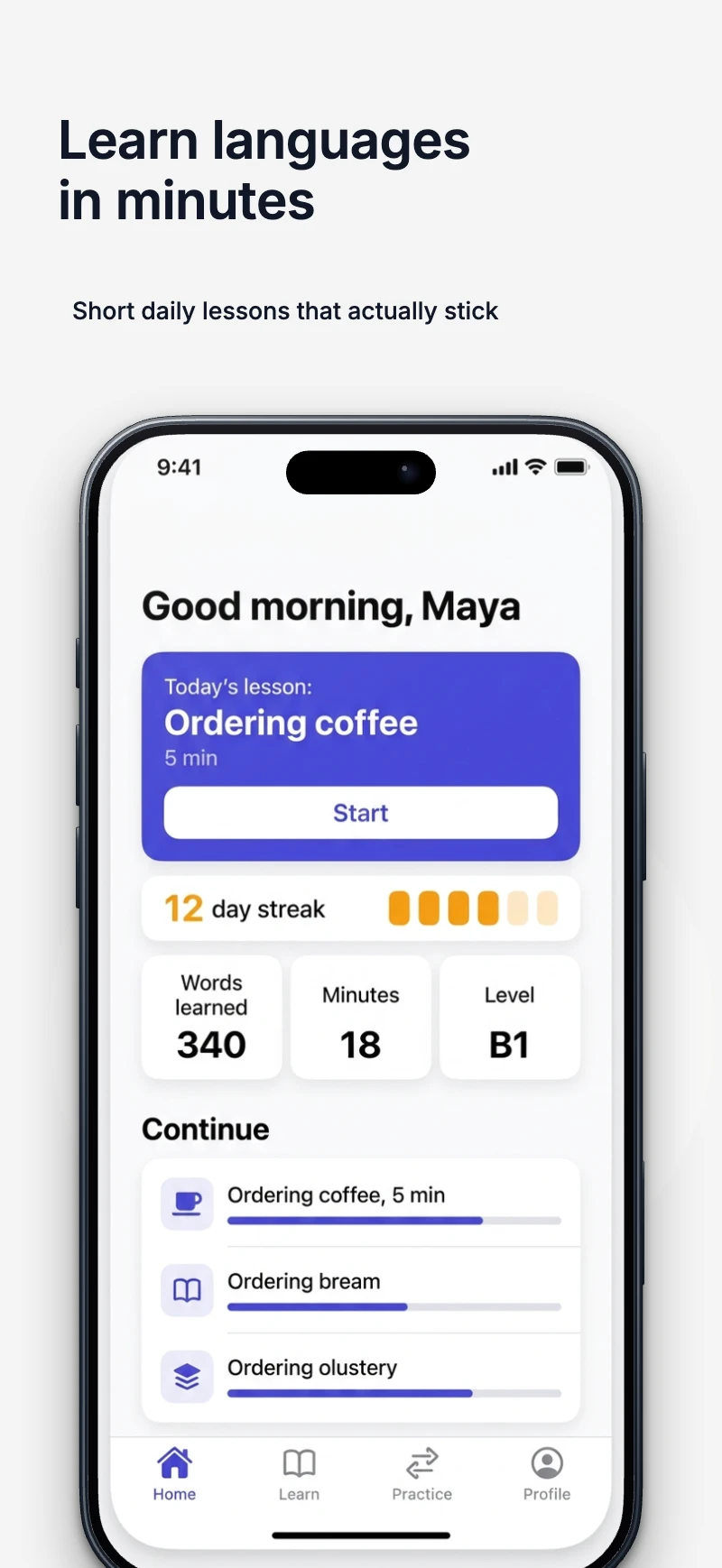
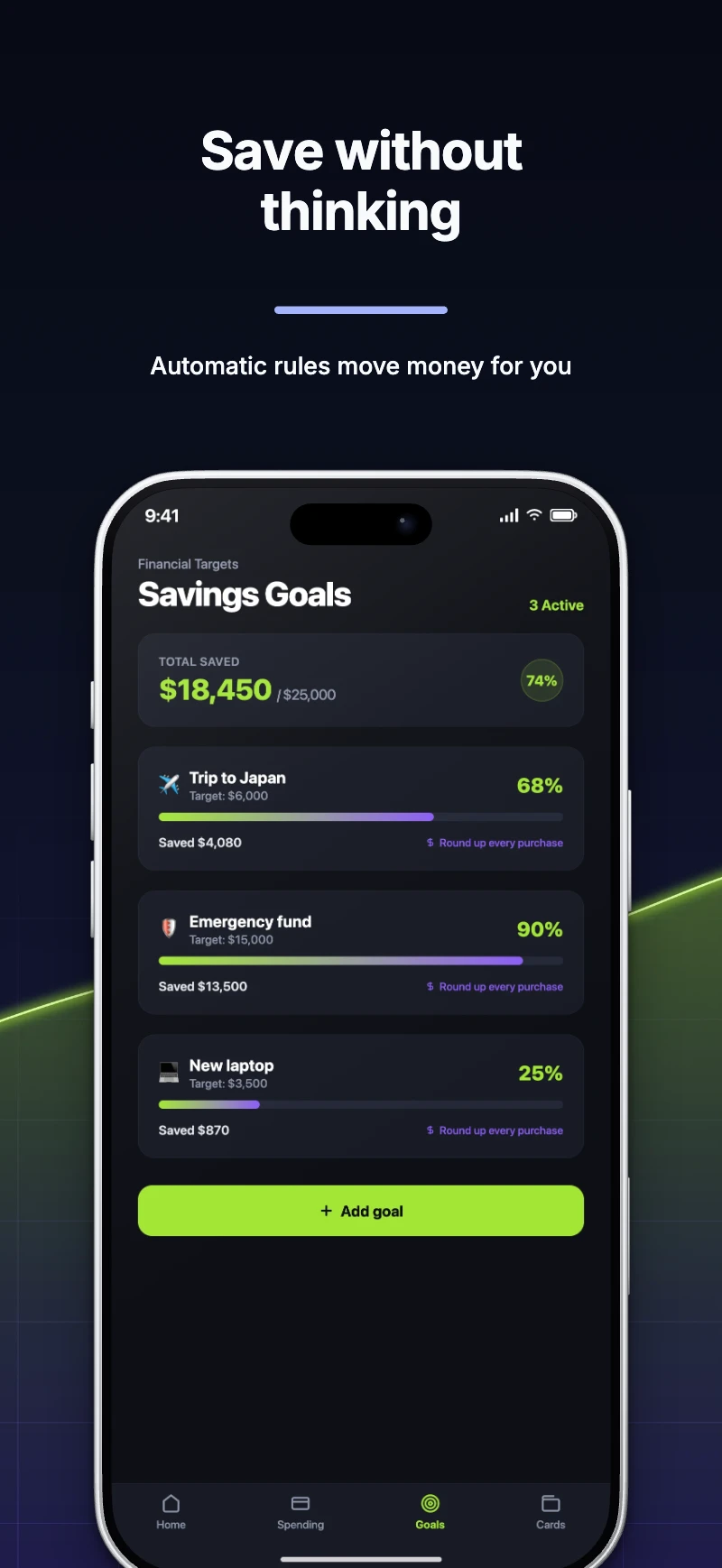
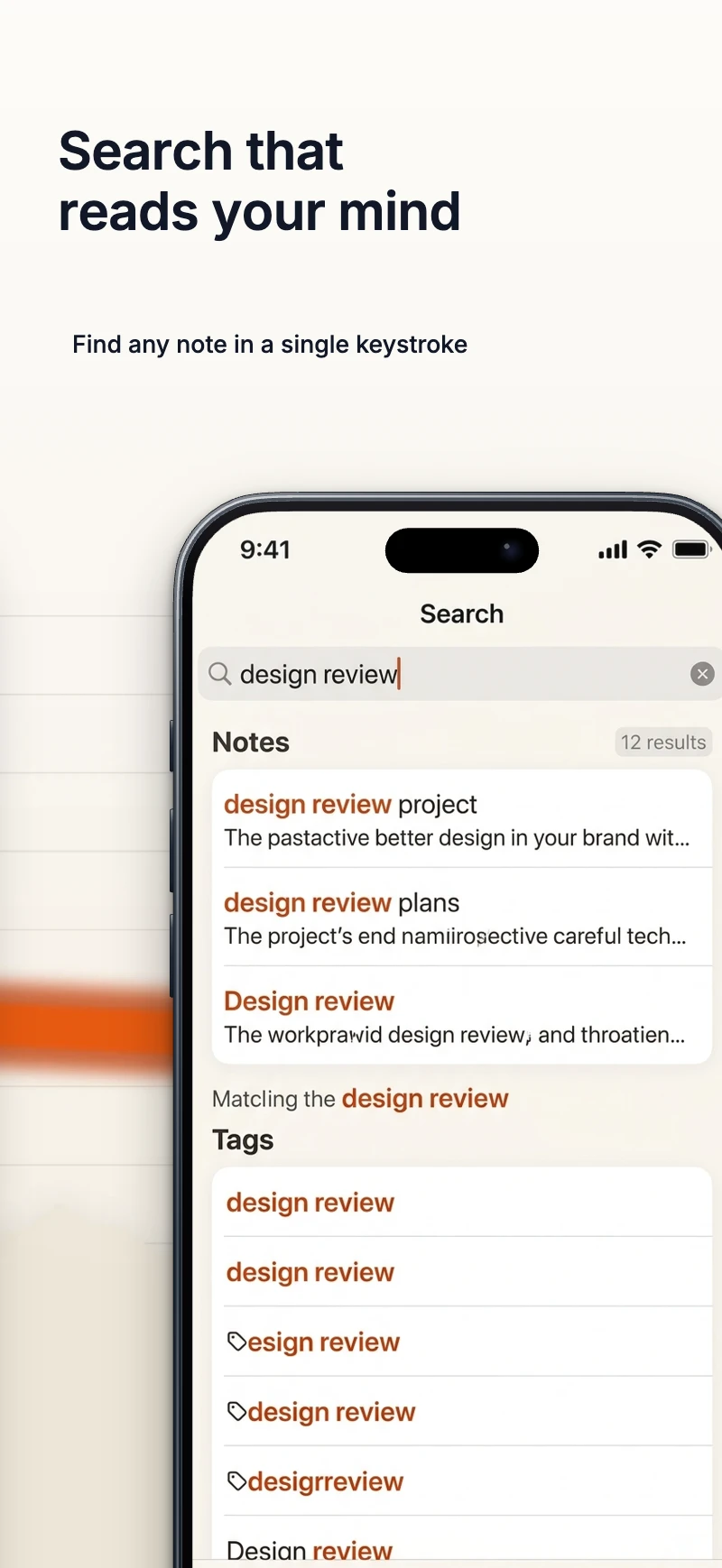
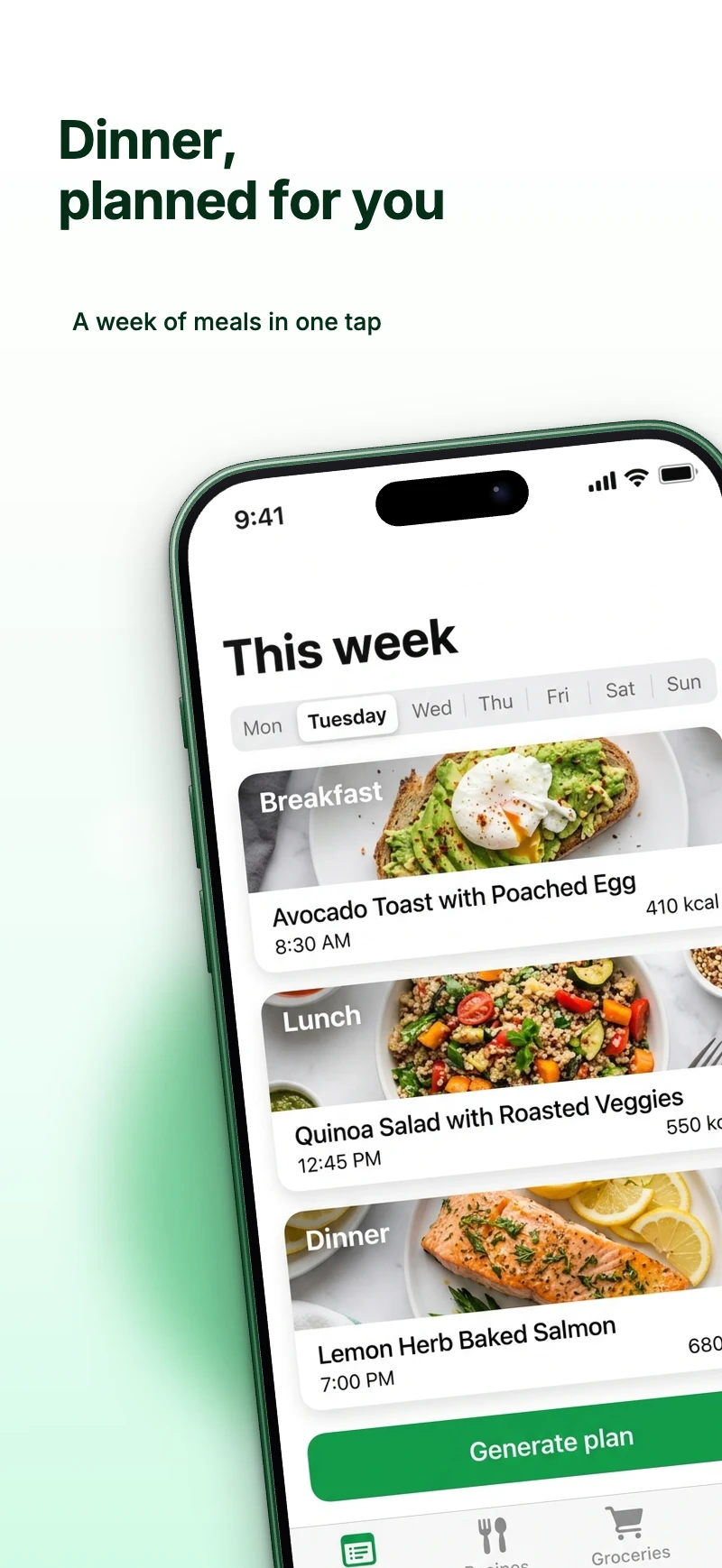
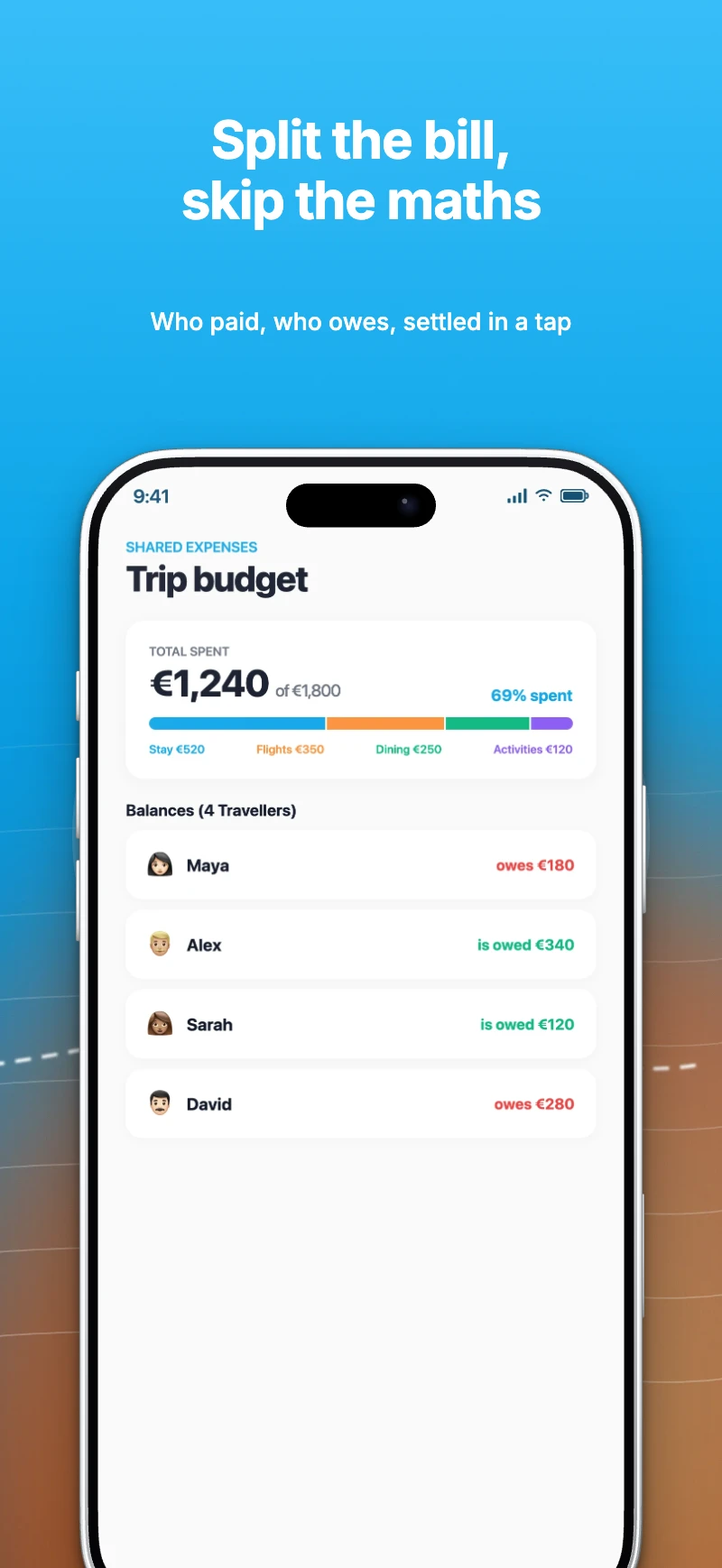
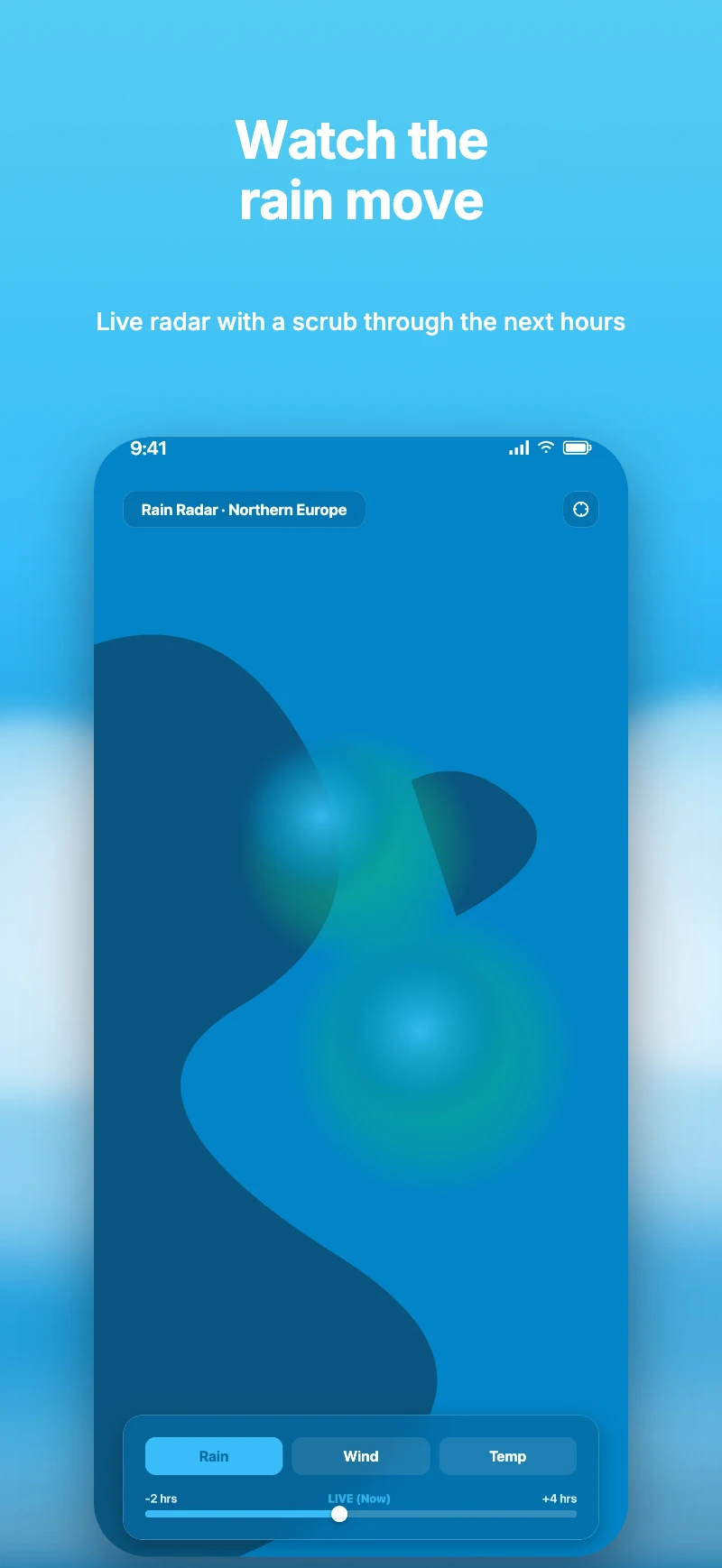
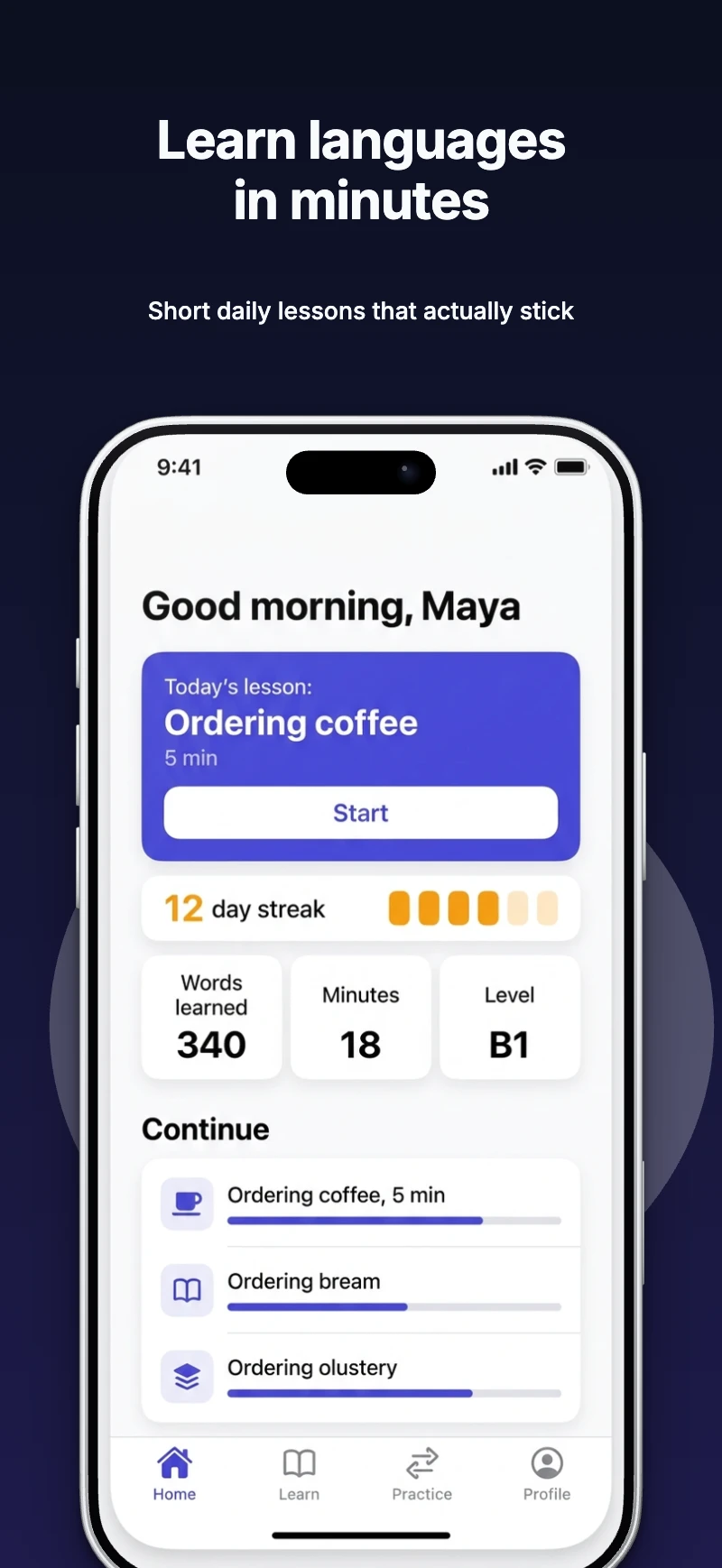
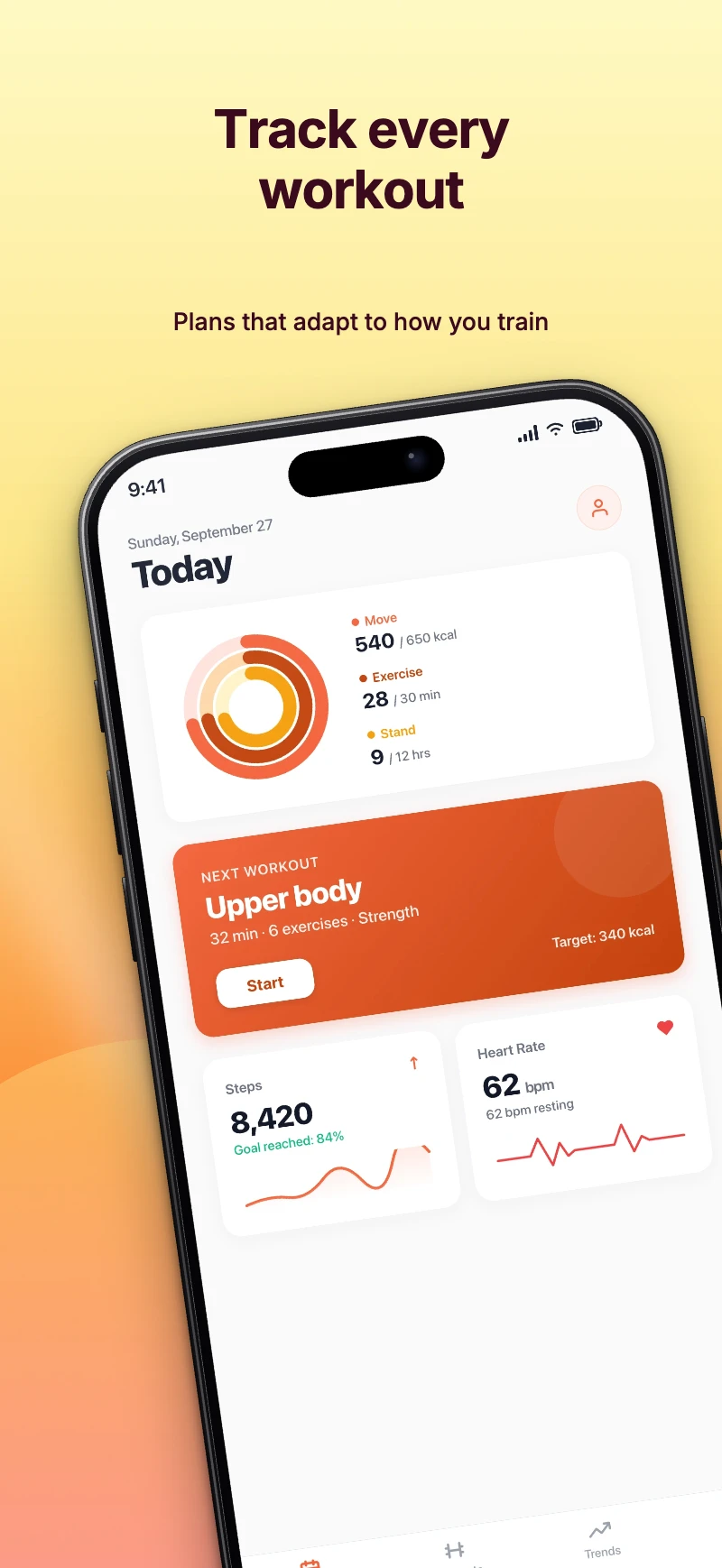
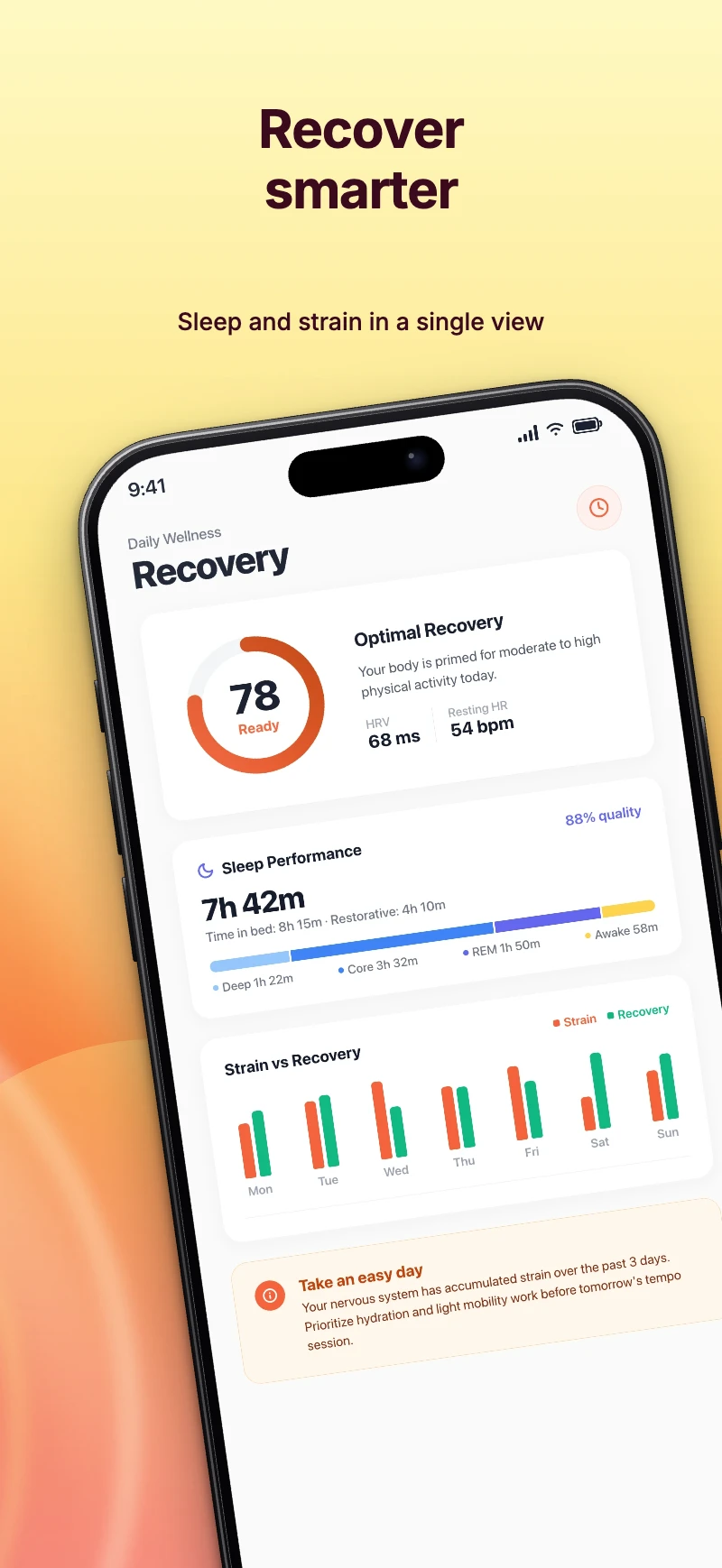
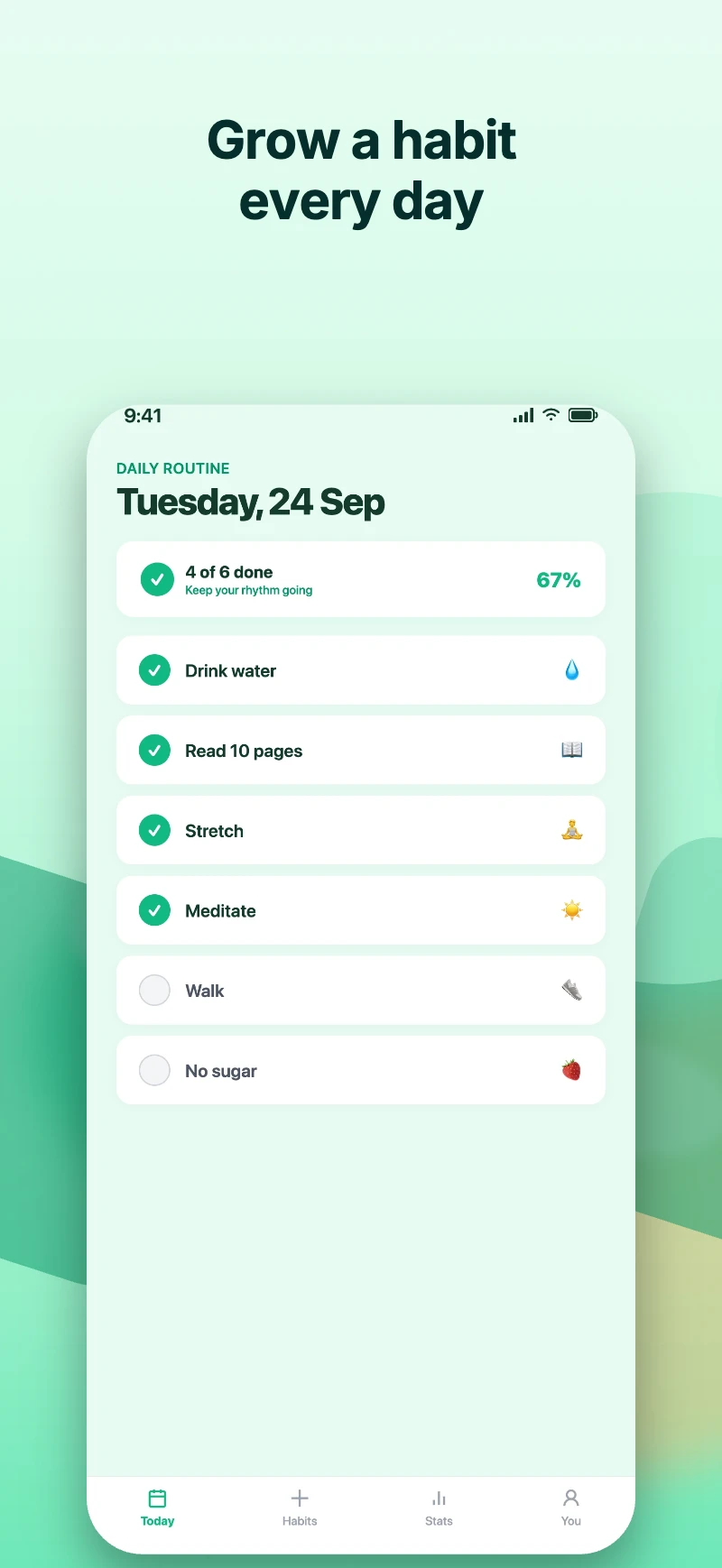
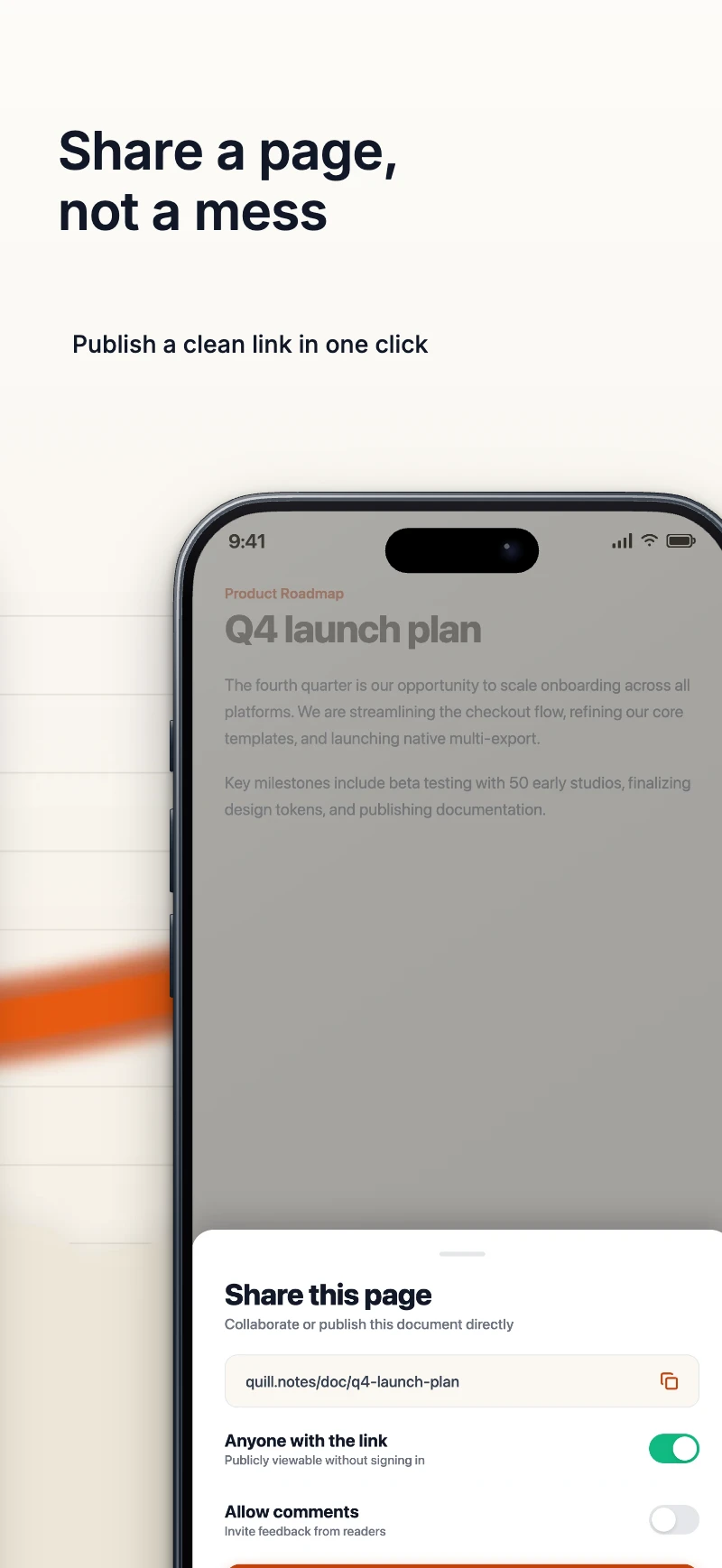
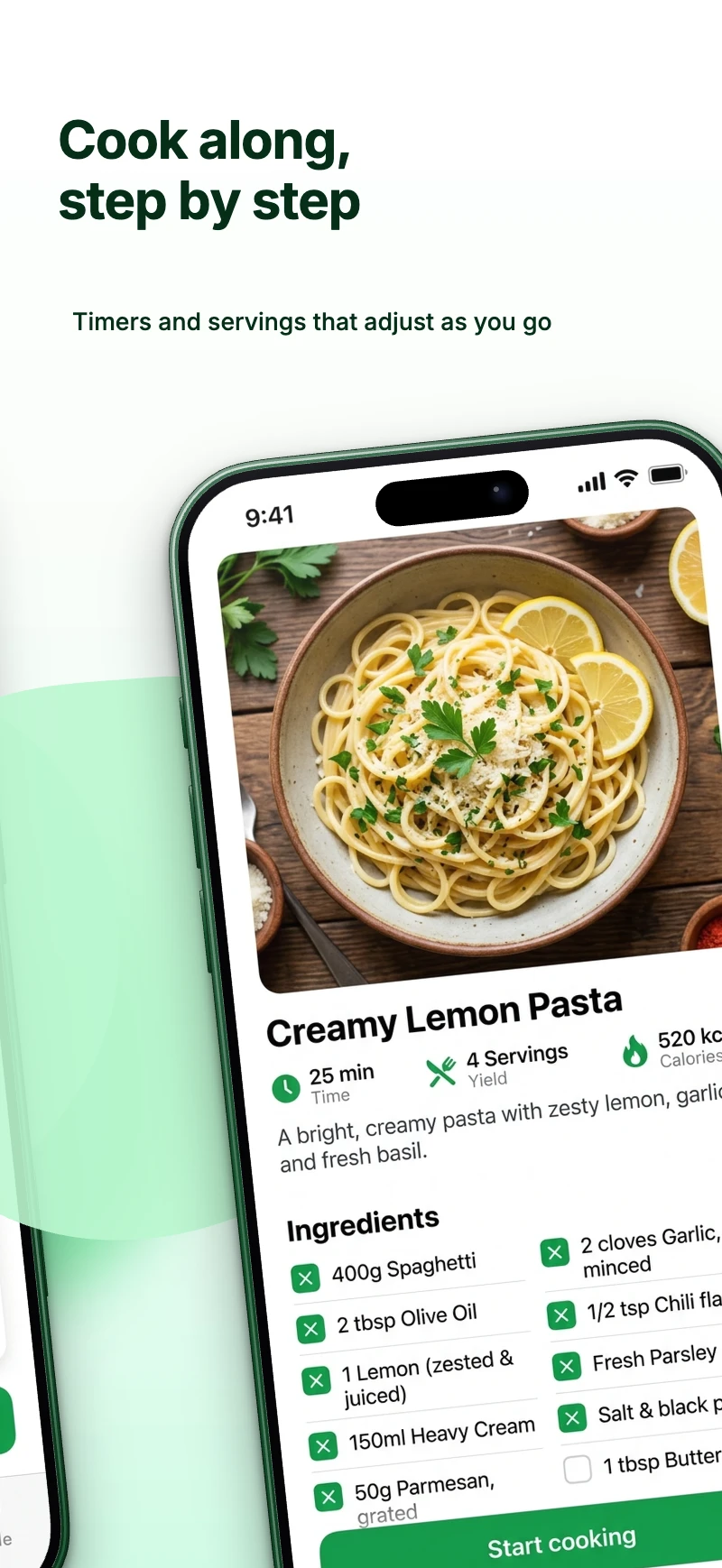
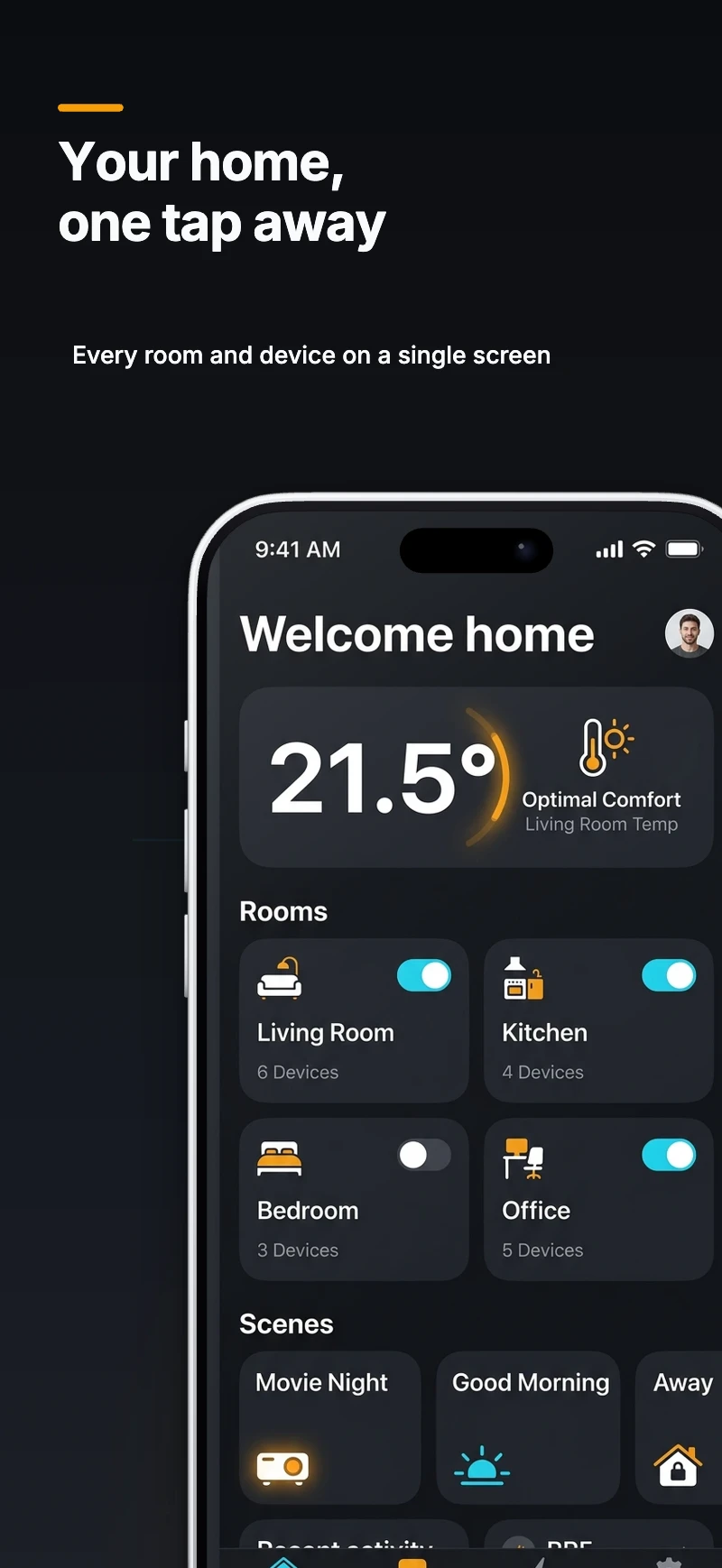
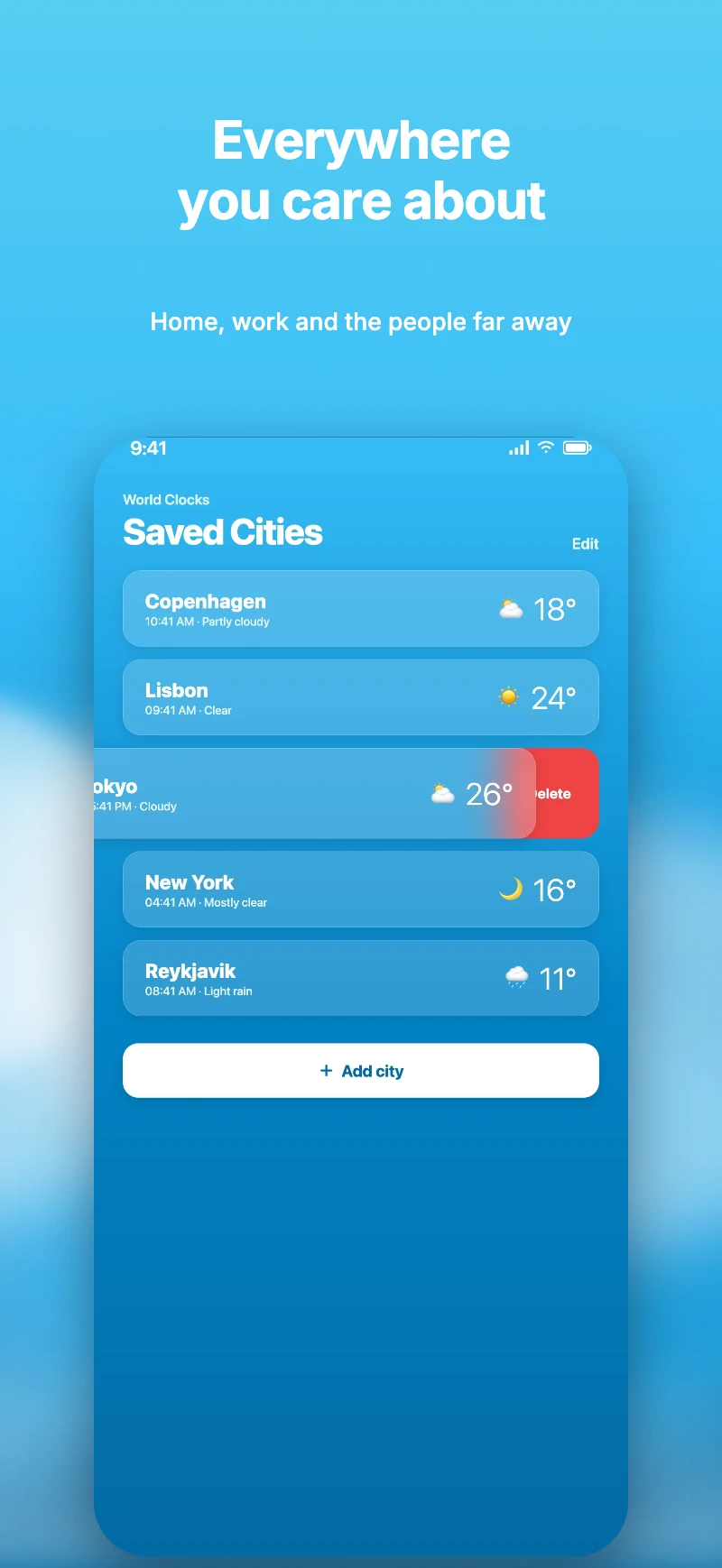
- App StoreiPhone6.9″ · 1320 × 2868
- App StoreiPad13″ · 2064 × 2752
- Google PlayAndroid phone1080 × 1920
- Google PlayAndroid tablet10″ · 2160 × 3840
Request early access
We are letting people in a few at a time. Leave your email and we will send an invite when your spot is ready. Until then, the editor is open to try without an account.
Watch a listing come together
The real editor, start to finish: a template, your screenshots, a headline, a new look, a designed background, four languages and every store size.
Start from a designed set
Each template is a complete listing: several screens, a theme and a layout already refit to every store size.
From a raw capture to a finished listing
Upload the screenshot your phone took. Screenshot Studio places it in an accurate device frame, sets your headline in the template's type and colour, and renders the exact pixel size the store asks for.
- Drop the PNG from your device
- Write the headline, pick a theme
- Export at 1320 × 2868
After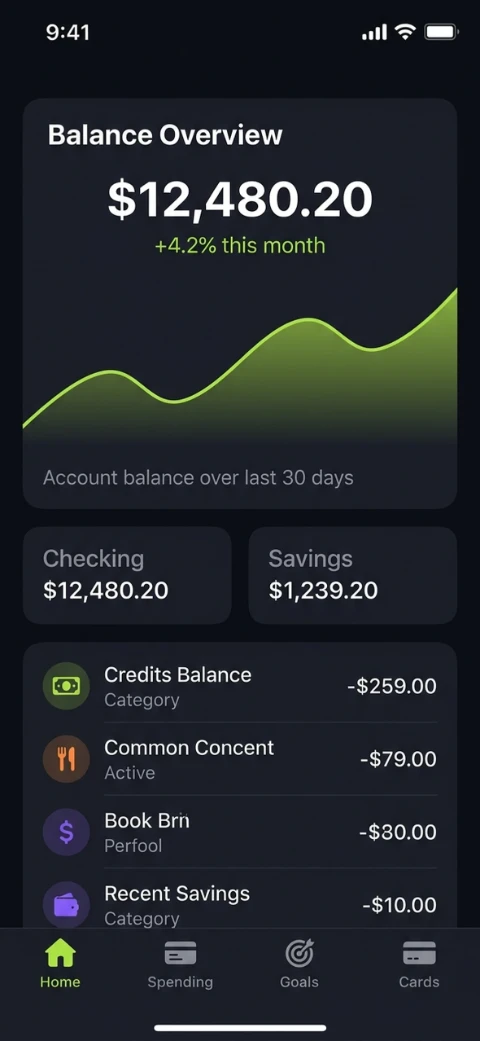
Every image on this page is a real export
Nothing here is a mock-up. These are the store screens the editor produces from its starter templates, exported by the same renderer you will use.
- Headline and phone
- Headline and phone
- Headline and phone
- Bold sunset
- Bold sunset
- Bold sunset
- Midnight
- Midnight
- Midnight
- Playful mint
- Playful mint
- Playful mint
- Paper, left aligned
- Paper, left aligned
- Paper, left aligned
- Deep navy
- Deep navy
- Deep navy
- Fresh basil
- Fresh basil
- Fresh basil
- Sky blue
- Sky blue
- Sky blue
- Graphite
- Graphite
- Graphite
- Clear sky
- Clear sky
- Clear sky
Three steps, under ten minutes
Upload your captures
Drag the screenshots straight from your phone or simulator. They are stored locally first, so nothing waits on a network.
Pick a template, write the headlines
Start from a designed set, swap the theme, edit the copy inline. Every page follows the same style until you say otherwise.
Export every size at once
One ZIP with every store dimension and every language, named and foldered for App Store Connect and the Play Console.
The whole listing, not one image
A store listing is a set: several screens, several sizes, several languages. Screenshot Studio treats it that way, so one change lands everywhere at once.
One theme, every screen
Palette, background, type and frame live on the project. Switch presets and the whole set restyles. Override a single page when you need to.
- Indigo
- Midnight
- Sunset
- Mint
- Paper
- Ocean
Every store size, refit
Design on the phone. Tablet and Android rows are refit from it, each at the exact pixel size the store lists today.
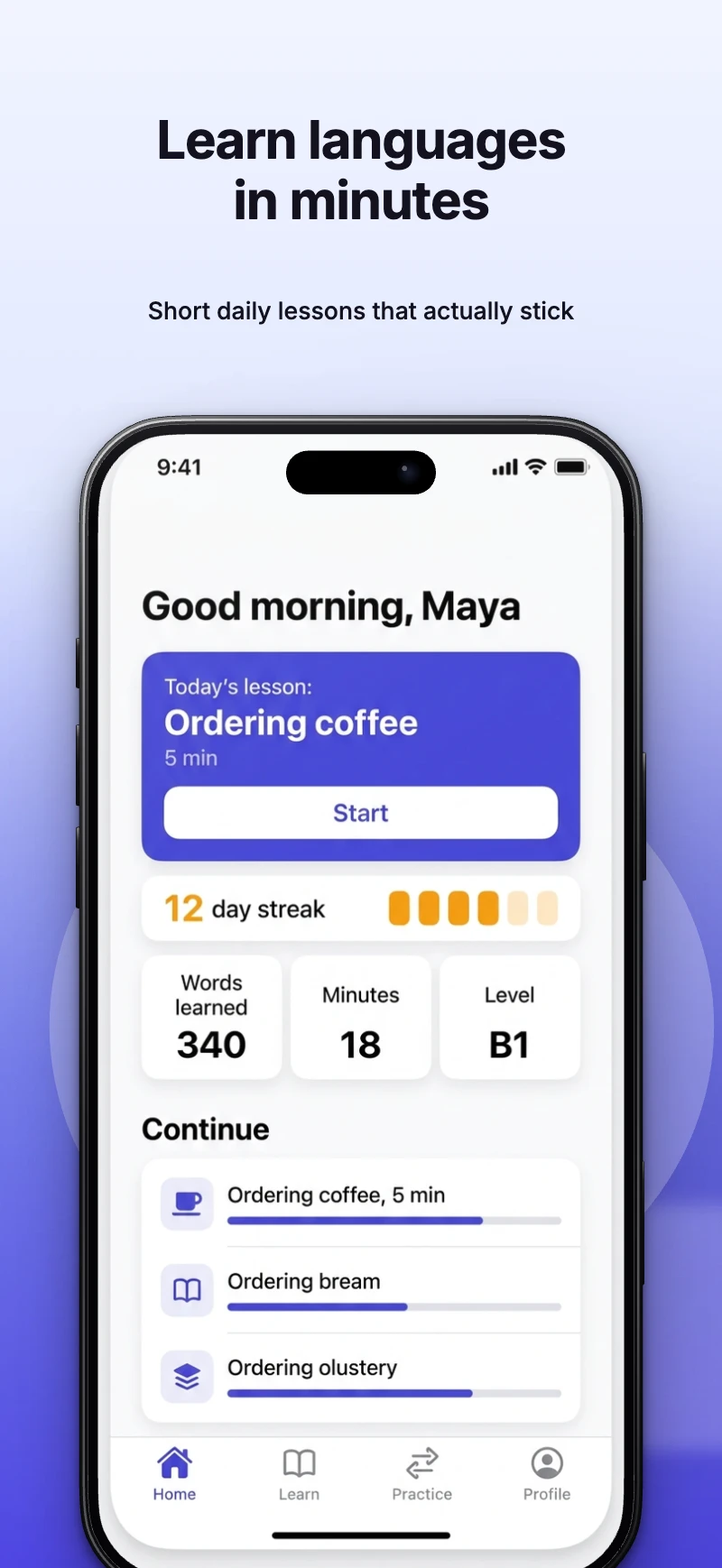 iPhone1320 × 2868
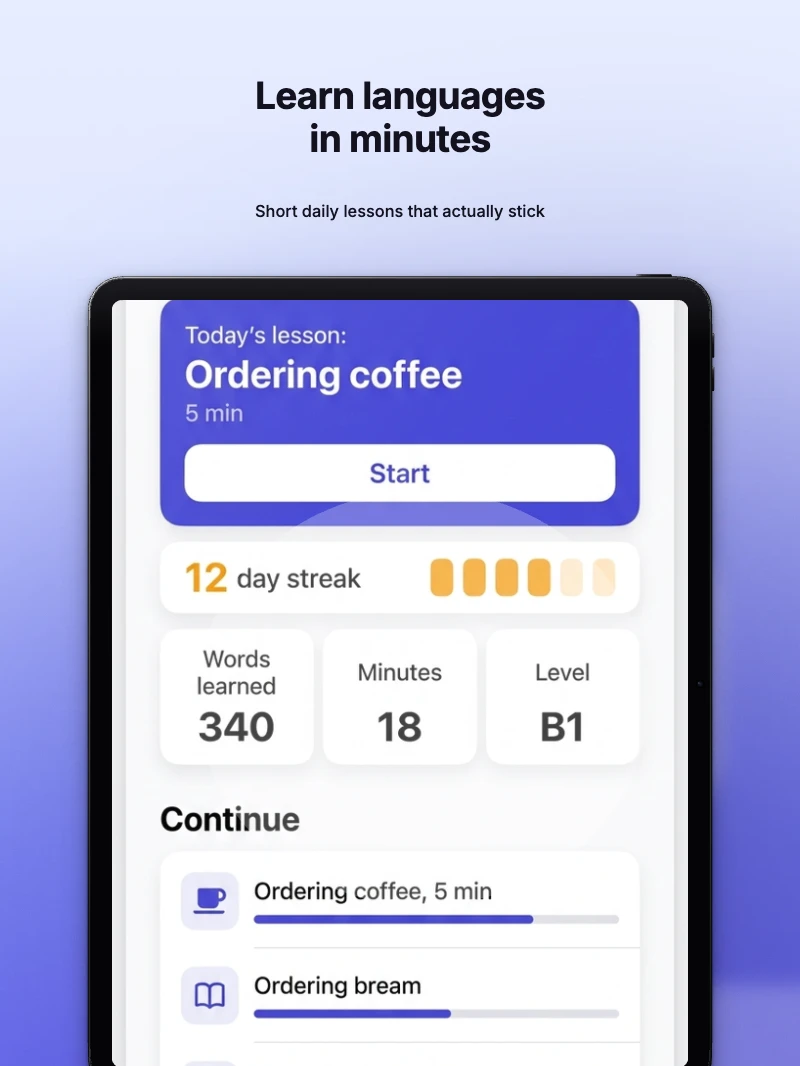 iPad2064 × 2752
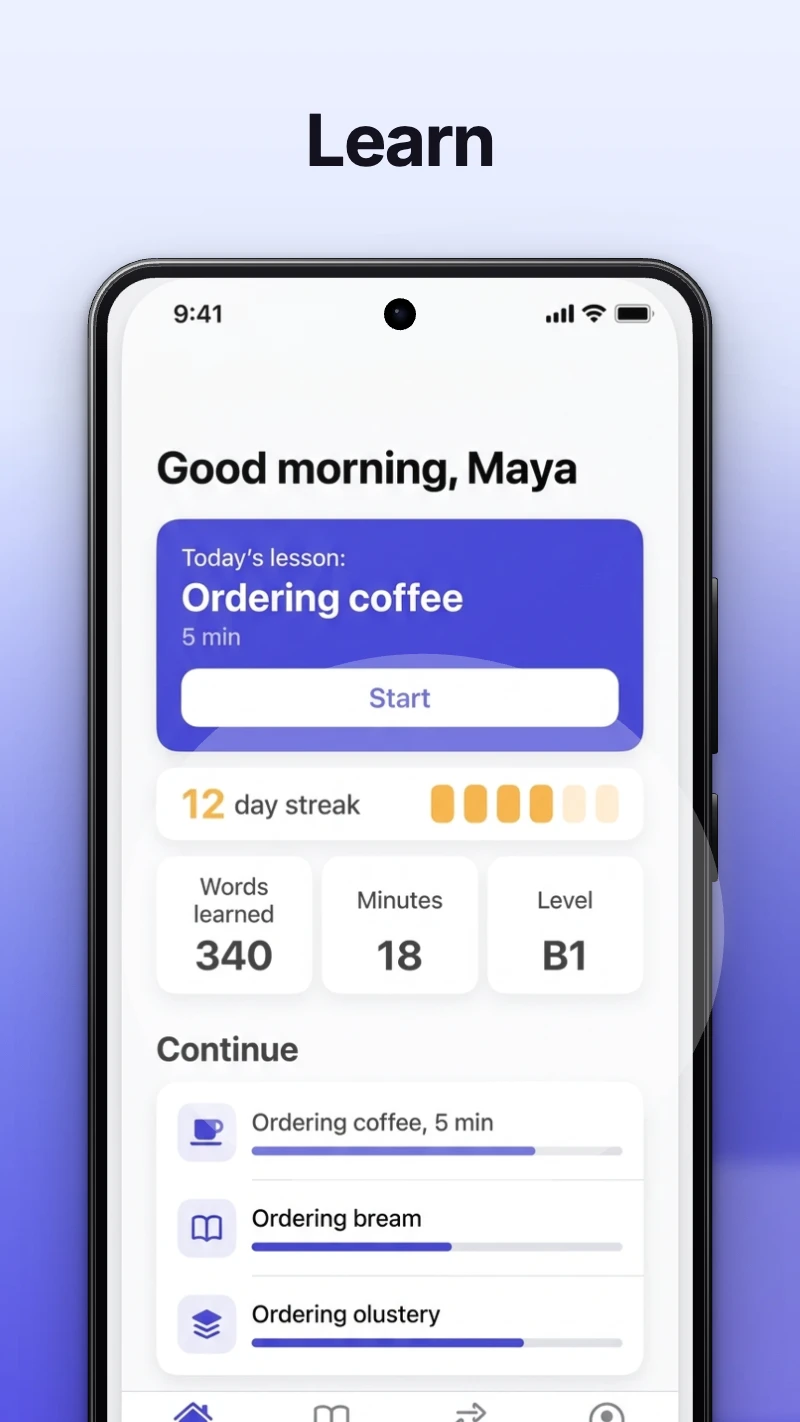 Android phone1080 × 1920
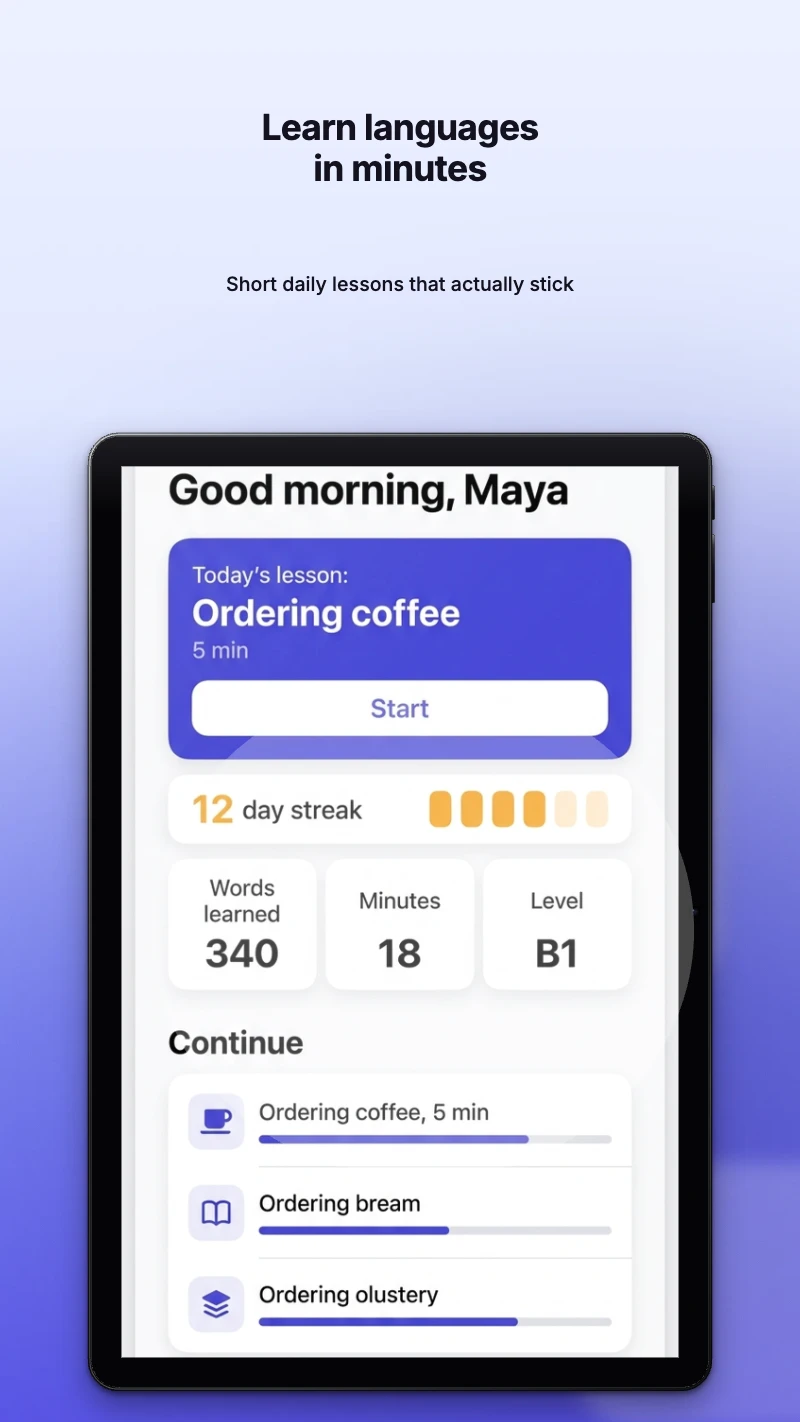 Android tablet2160 × 3840
Translate the set in one click
Every headline is a string with a locale. Add languages, fill them by hand or with machine translation, and export each one as its own folder.
- enEnglish
- deDeutsch
- esEspañol
- ja日本語
Edit on the canvas
Drag, snap and align directly on the artwork. Text edits inline, undo is unlimited, and every change saves locally before it syncs.
One ZIP, ready to upload
Export renders each page, on each row, in each language, at the exact store dimensions. The archive is organised the way App Store Connect and the Play Console expect.
- ios-phone-6-9/en/01-hero.png
- ios-phone-6-9/en/02-lesson.png
- ios-phone-6-9/en/03-progress.png
- ios-tablet-13/en/01-hero.png
- ios-tablet-13/en/02-lesson.png
- ios-tablet-13/en/03-progress.png
- play-phone/en/01-hero.png
- play-phone/en/02-lesson.png
- play-phone/en/03-progress.png
- play-tablet/en/01-hero.png
- play-tablet/en/02-lesson.png
- play-tablet/en/03-progress.png
Free to start, Pro when you ship
Try everything as a guest, no account needed. Go Pro for unlimited projects, bigger exports and machine translation.
Questions before you start
Do I need an account to try it?
No. The guest editor opens straight away with one project and five uploads, kept in your browser for seven days. Sign up when you want to keep it.
Which store sizes are exported?
The iPhone 6.9 inch and iPad 13 inch rows for the App Store, and phone and 10 inch tablet rows for Google Play, each at the exact pixel size the store currently lists.
Is there a watermark on free exports?
No. Every export is full resolution with no watermark, on every plan.
How do languages work?
Every headline is a string with a locale. Add a language, fill it in by hand or with machine translation on Pro, and the export writes a folder per language.
Where do my screenshots go?
Rendering happens in your browser. Guest projects never leave it. Signed-in projects sync to your account so you can reopen them on another machine.
What does Pro add?
Unlimited saved projects, larger exports, and machine translation. Prices and limits are on the pricing page and come straight from the billing system.
Your next listing, done today.
Open the editor as a guest, drop in your captures and export a full set. Sign up only when you want to keep the project.